 EVE Buddy
Consolidated views
Keep track of and get unique insights about all your characters and corporations with consolidated views.
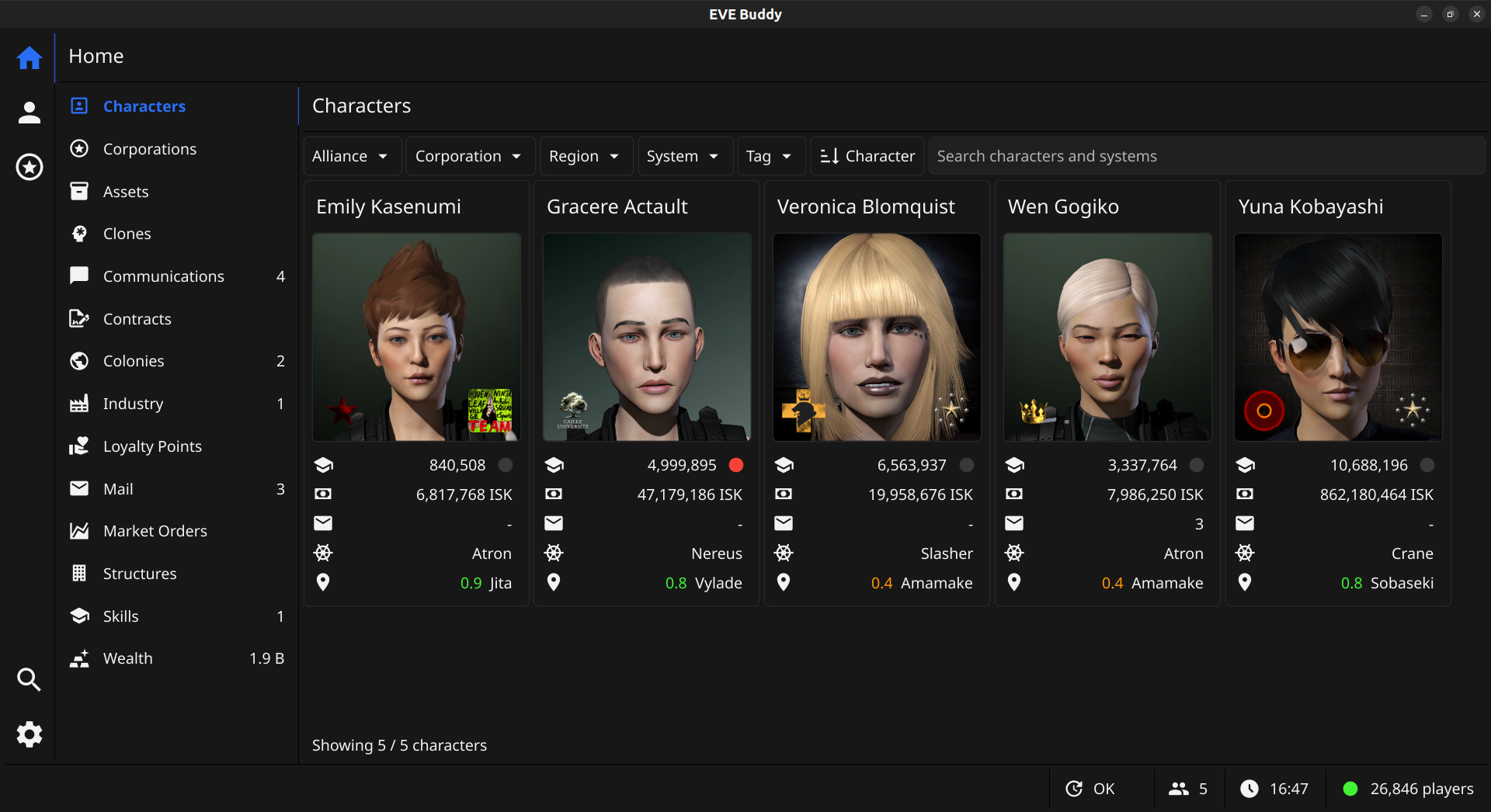
Characters
Overview of all your characters with their skill points, wallet balance, unread mails, current ship and location. Characters can be filtered and searched.
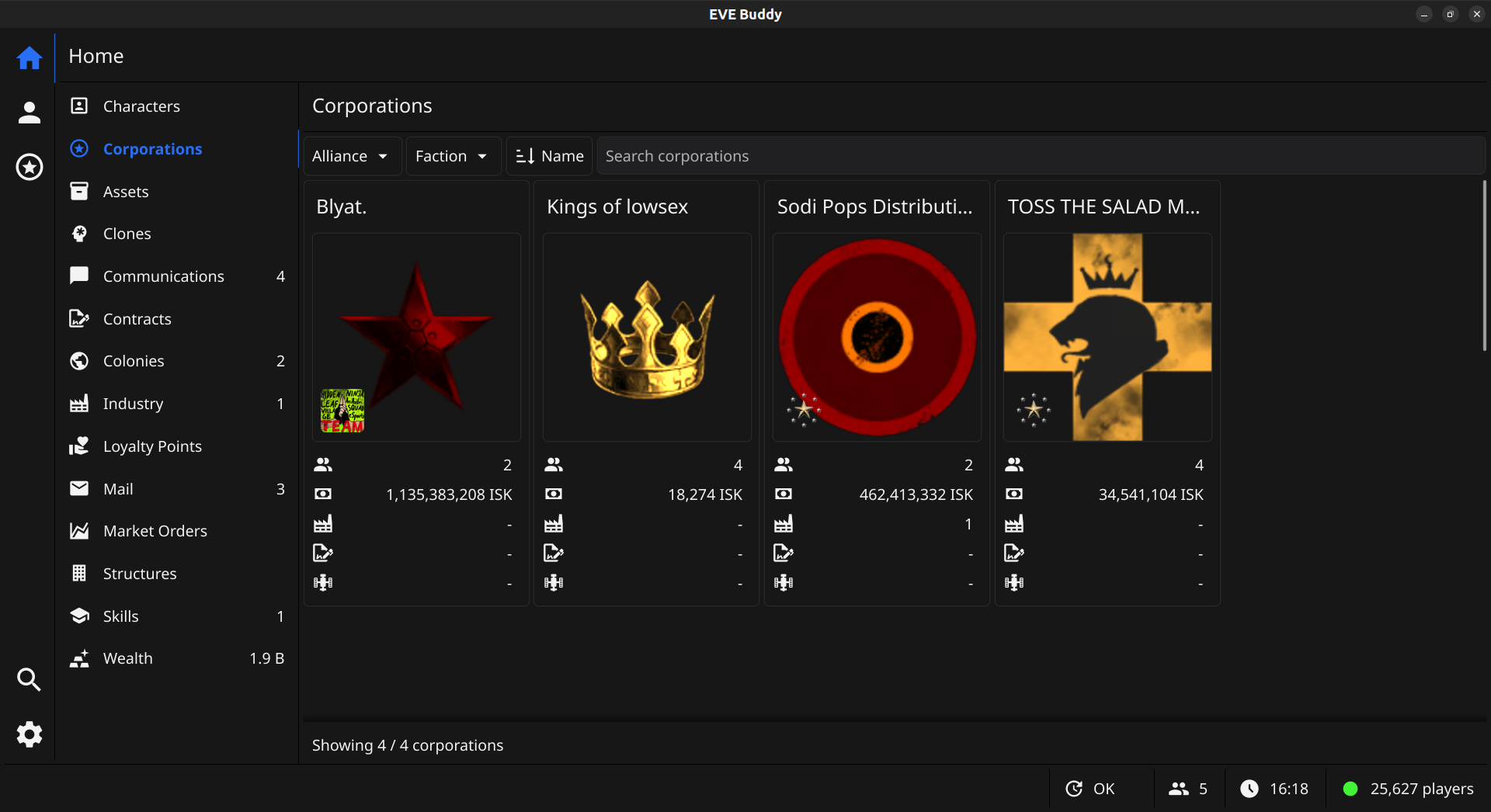
Corporations
Overview of all your corporations with their members, wallet balance, industry jobs, contracts and structures. Corporations can be filtered and searched.
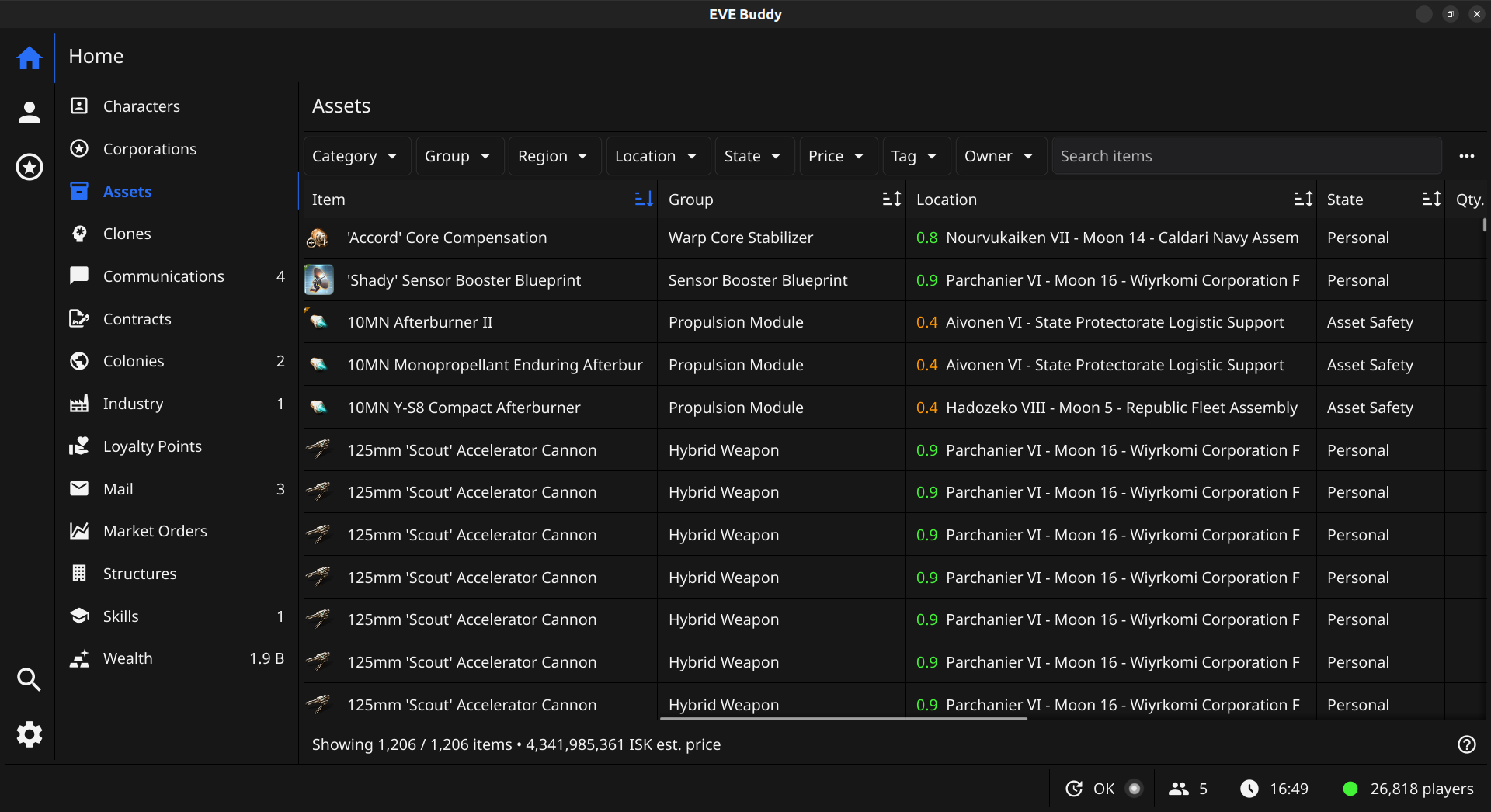
Assets
Search assets across all your characters and corporations. See each item’s location, state (e.g. Personal, Deliveries or Asset Safety), quantity, owner, estimated price and volume, together with the total estimated value of the items shown. Assets can be filtered and searched, and exported to clipboard (e.g. for pricing with Janice ) or to CSV.
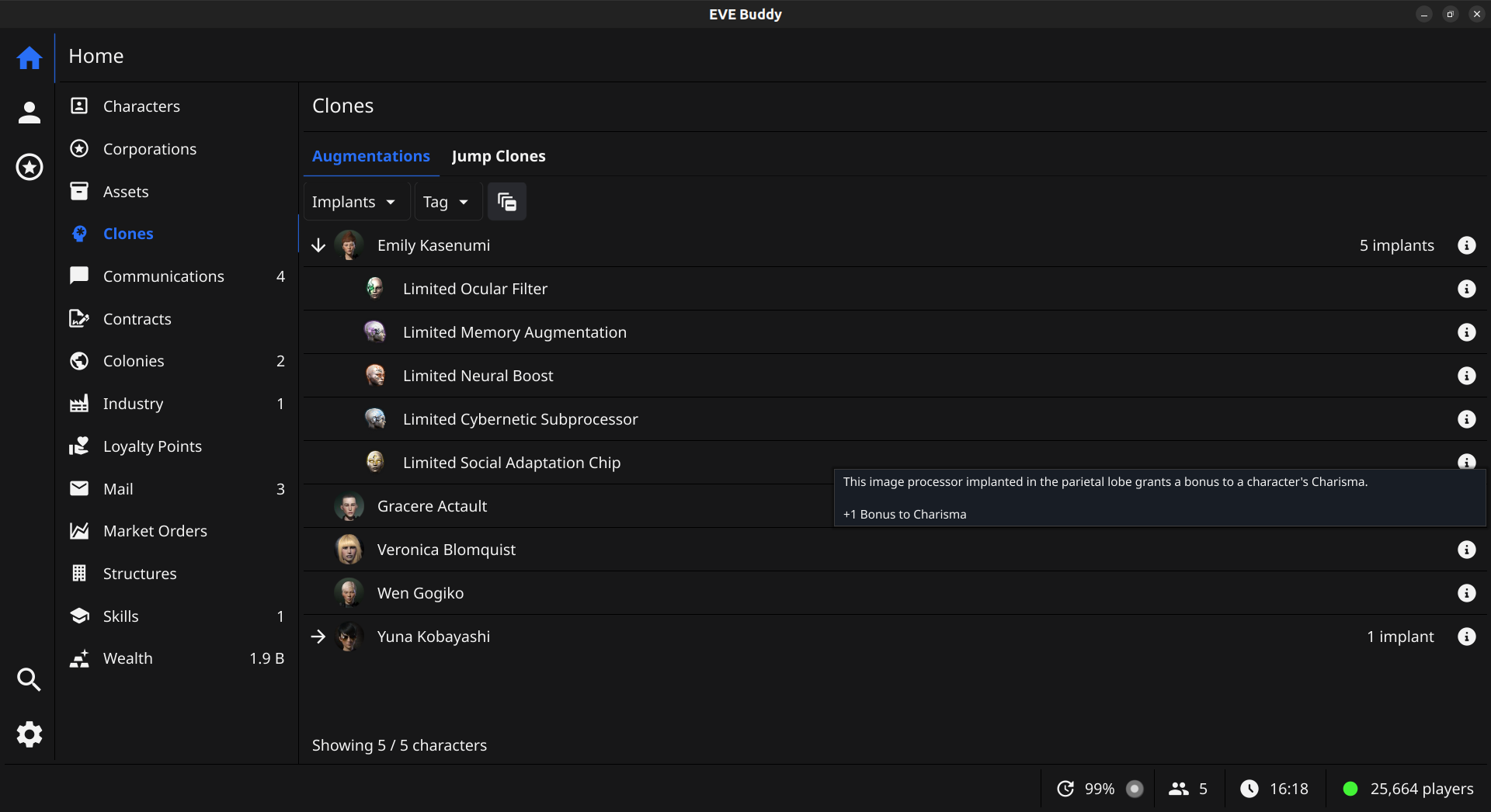
Augmentations
See which implants are installed in the current clone of each character.
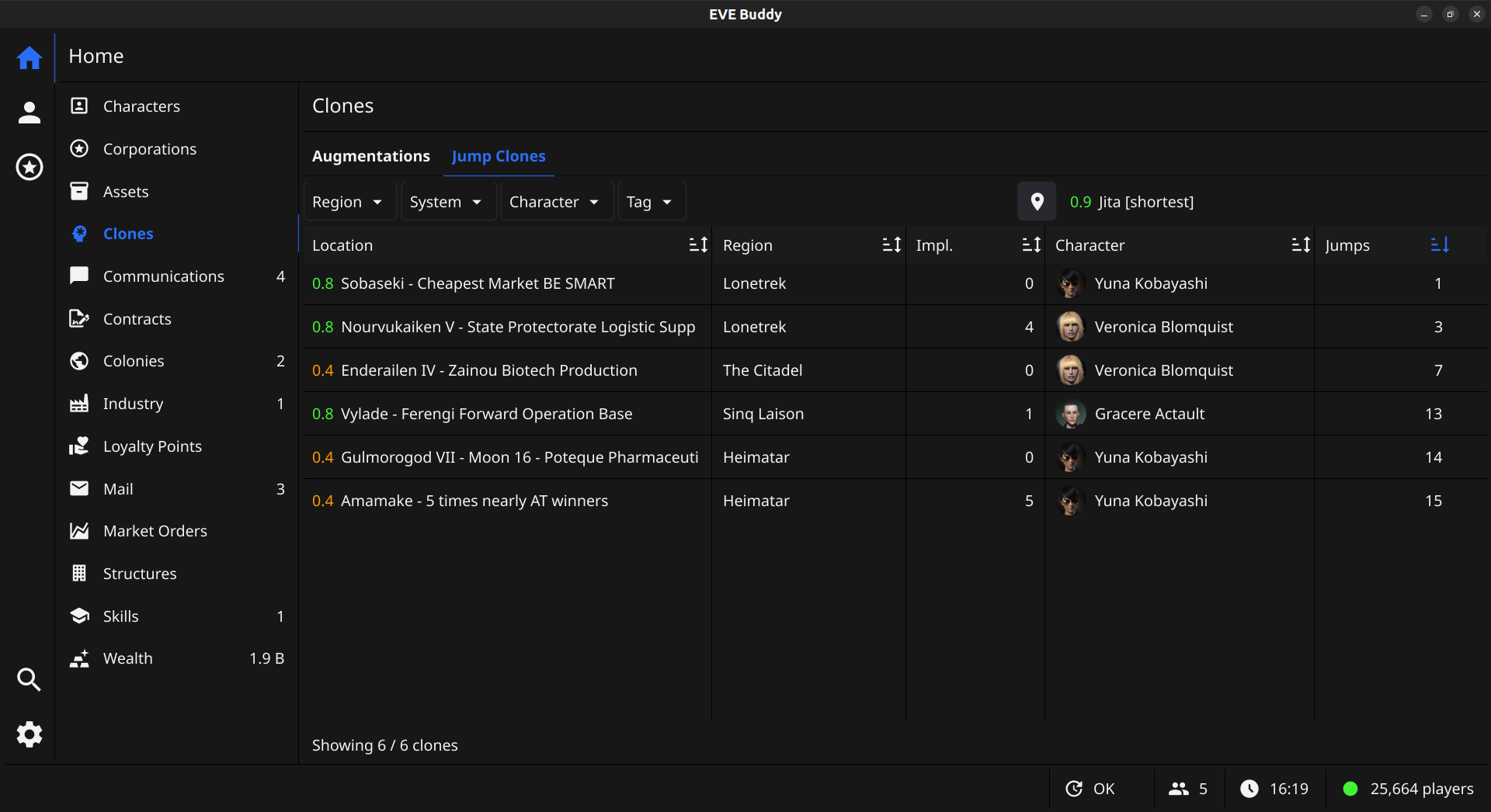
Jump Clones
Browse all jump clones and search for the nearest available jump clones across all characters.
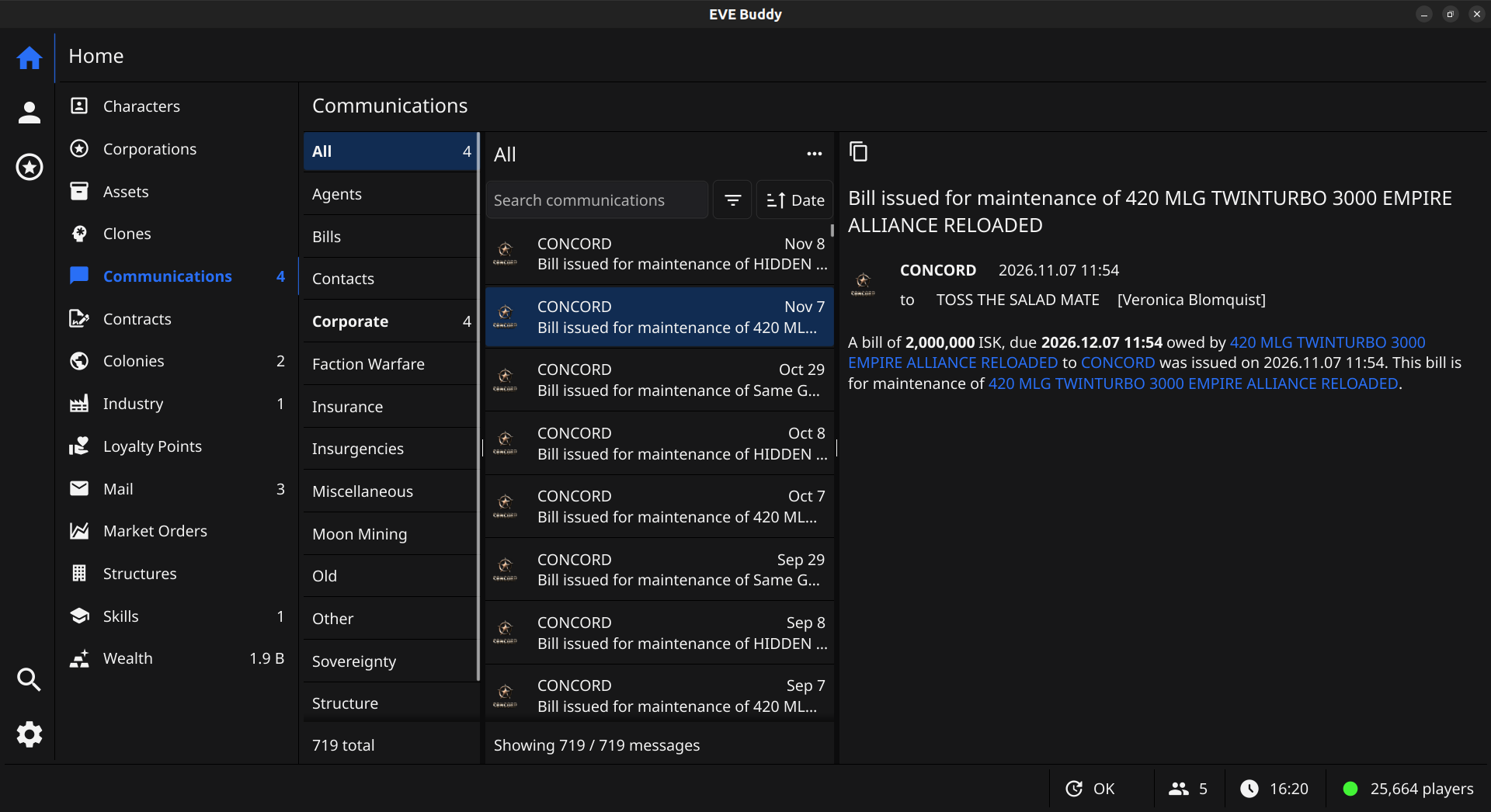
Communications
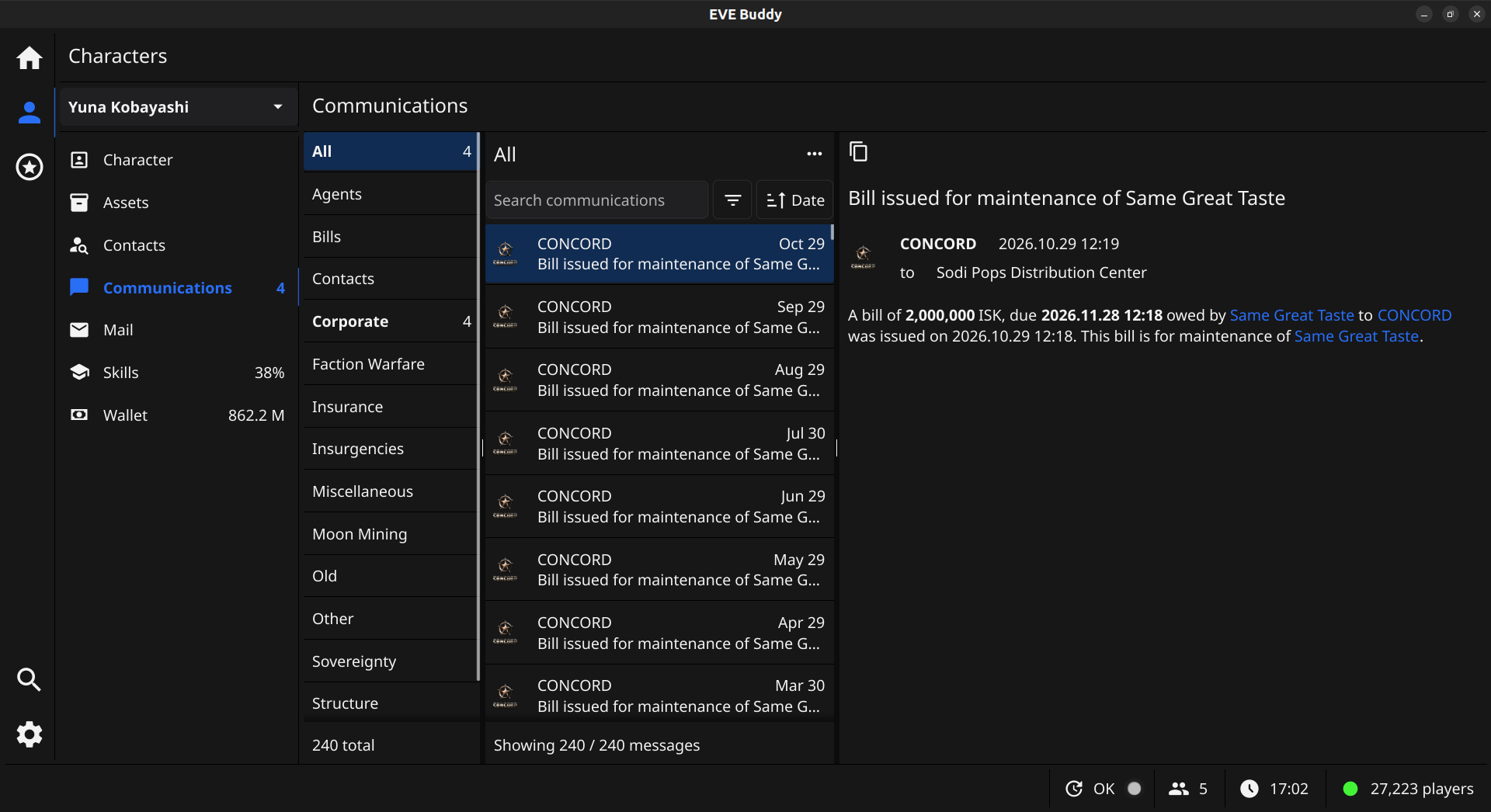
A unified communications browser for all characters.
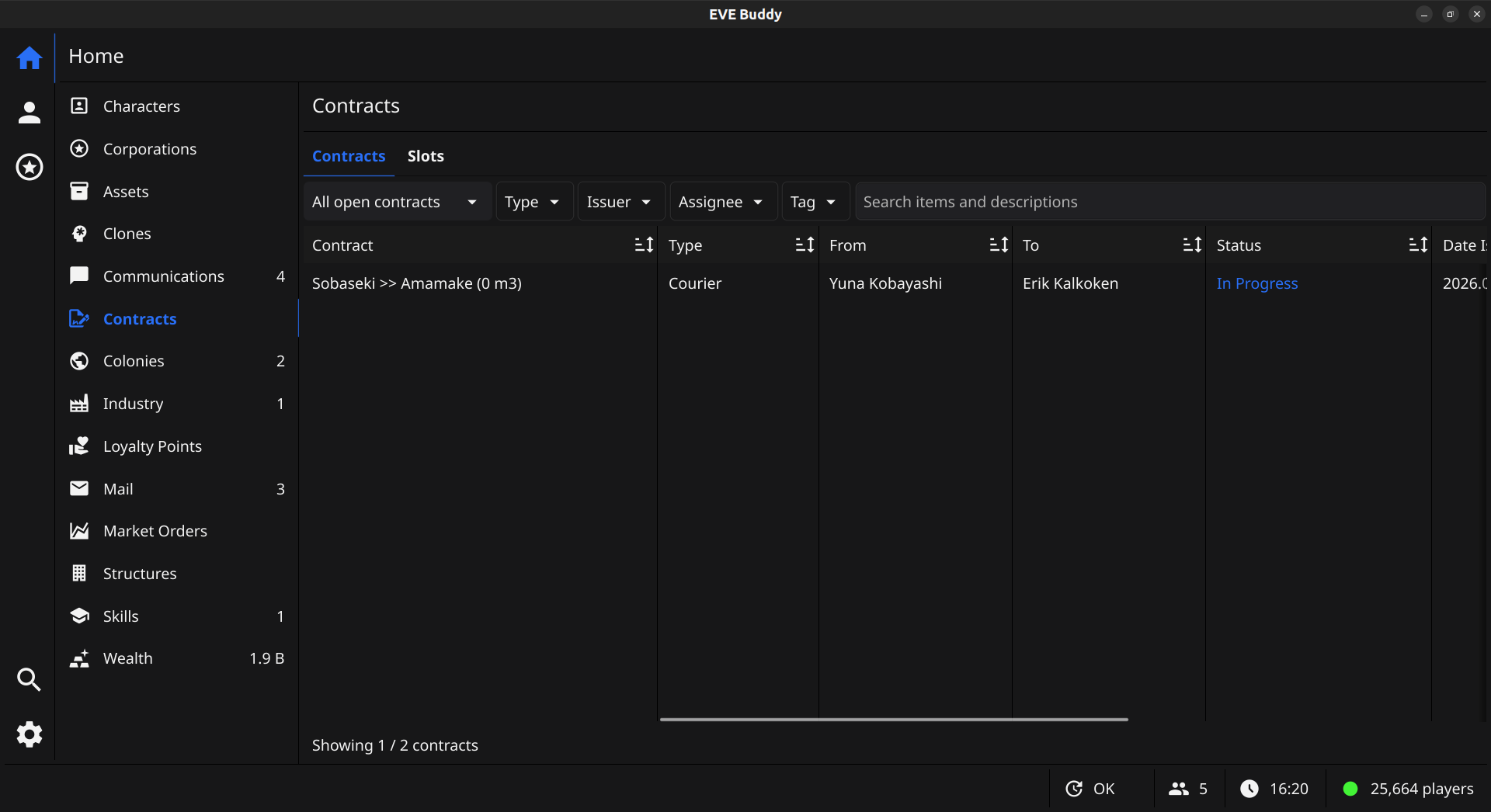
Contracts
Browse contracts of all characters.
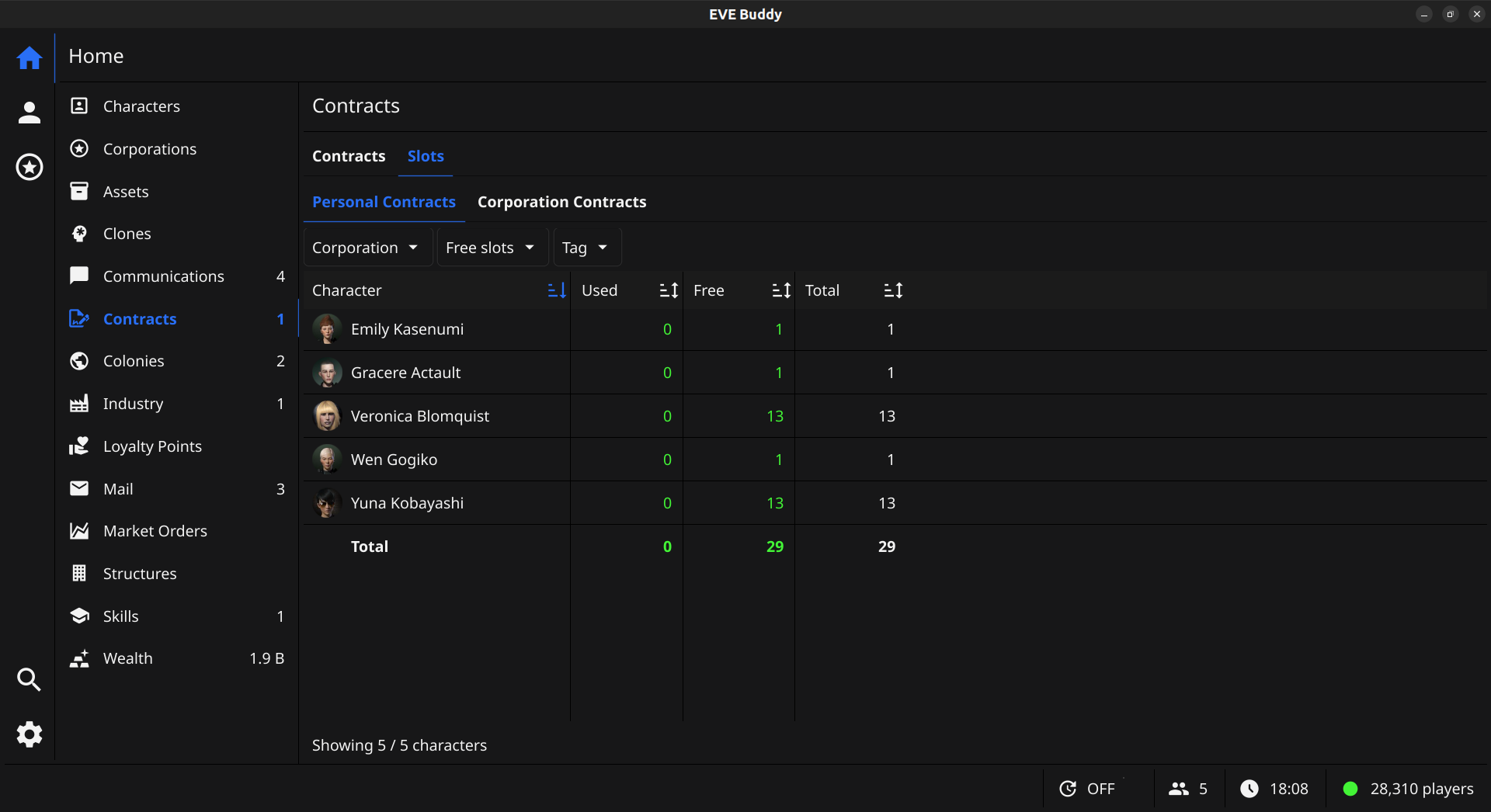
Contract Slots
See how many personal and corporation contract slots are used and free for each character.
Colonies
Browse PI colonies across all characters with a forecast of when each colony stops working completely (up to 30 days ahead), and see which colonies need attention at a glance. Colonies can be filtered and searched.
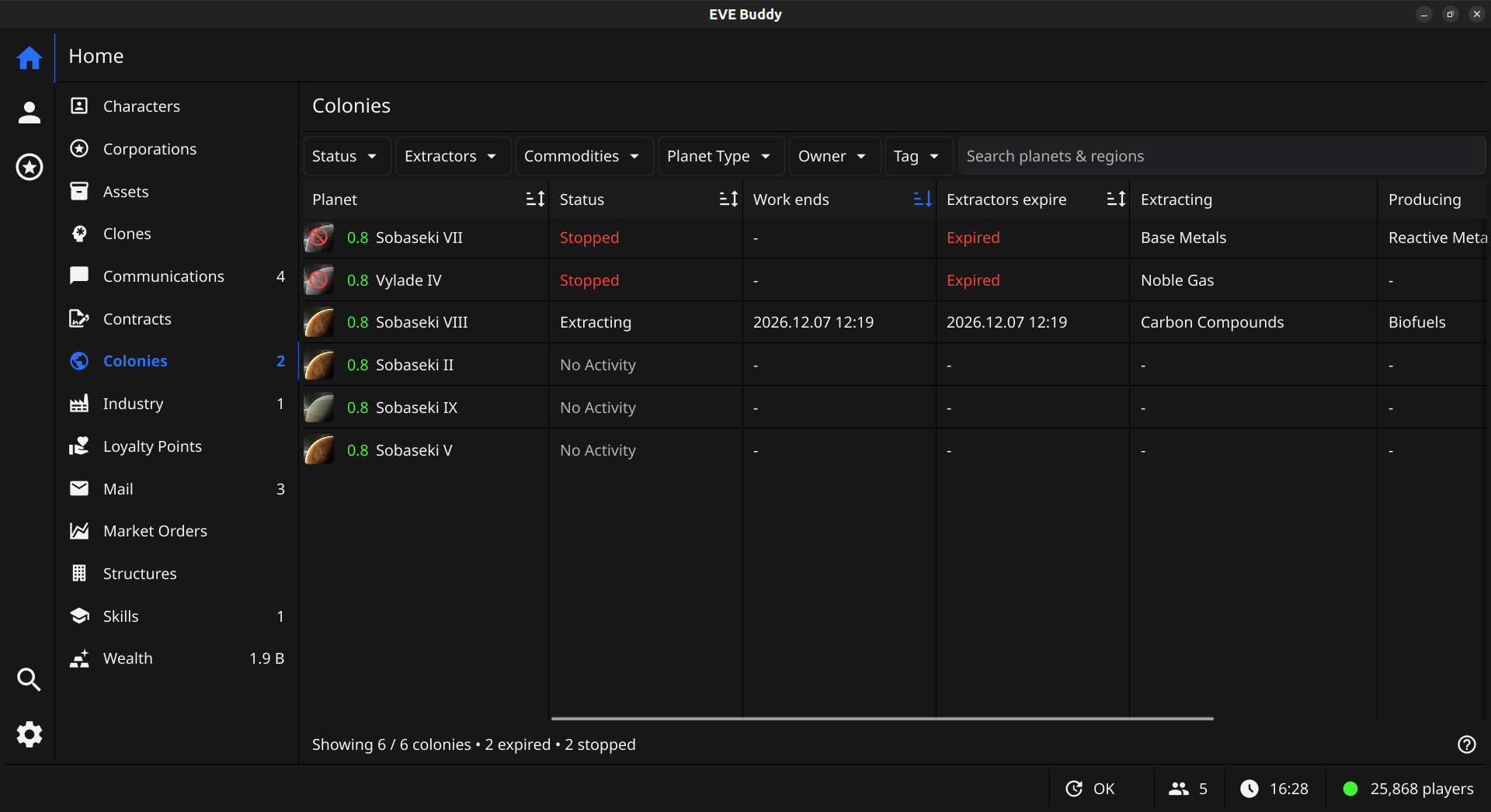
Each colony is shown with its status: Extracting, Producing, Needs Attention, Stopped, Not Setup or No Activity. Status and work end are estimated from the last time the colony was updated in game.
Colony details
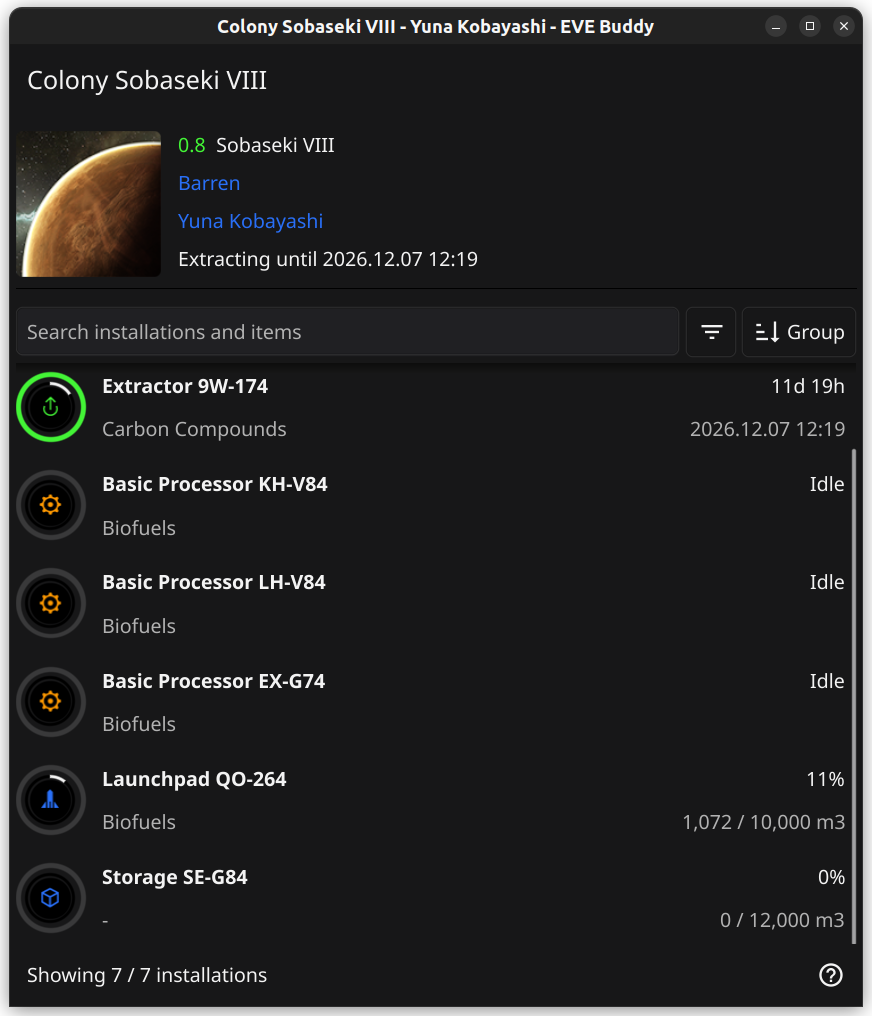
Open a colony to see its status, when it stops working completely, and all its installations. Rings around each installation show whether it is working, idle or needs attention, and the progress of its extractor program or processor cycle, or how full a storage is. Problems like expired extractors, inputs or outputs that are not routed, and full storage are pointed out.
Installations
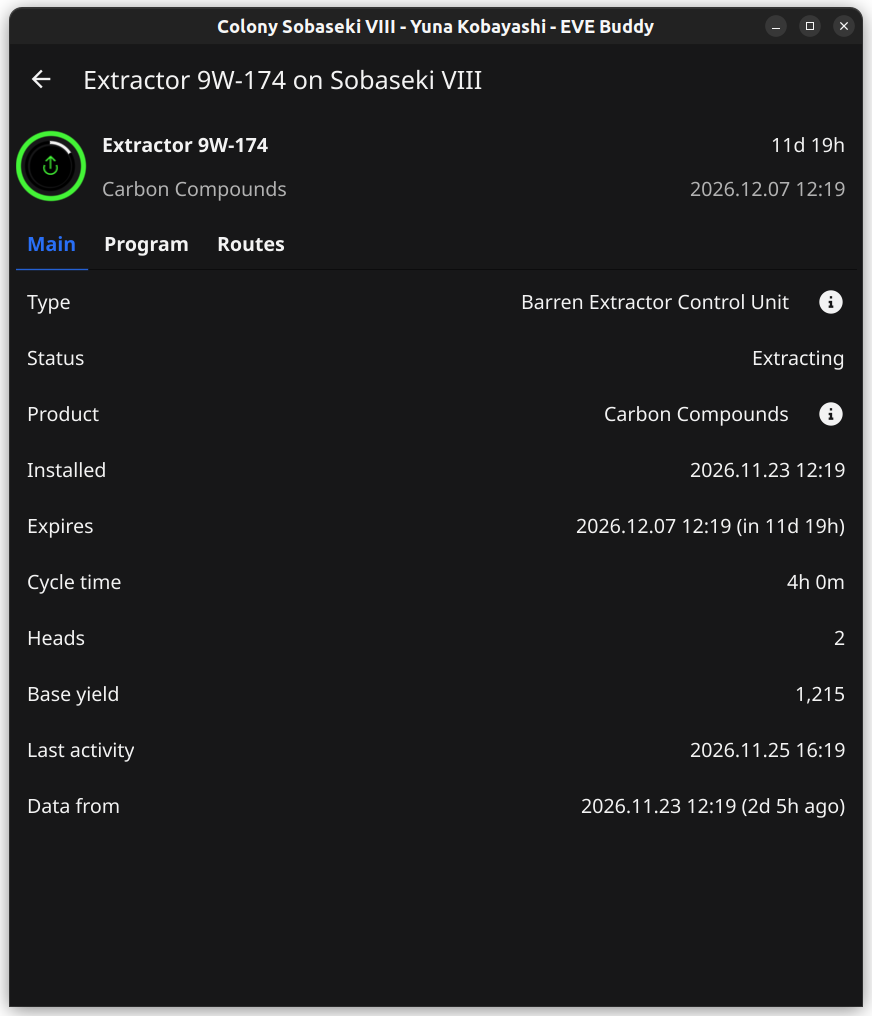
Open an installation to see its details, e.g. the product, cycle time, number of heads, base yield and expiry of an extractor.
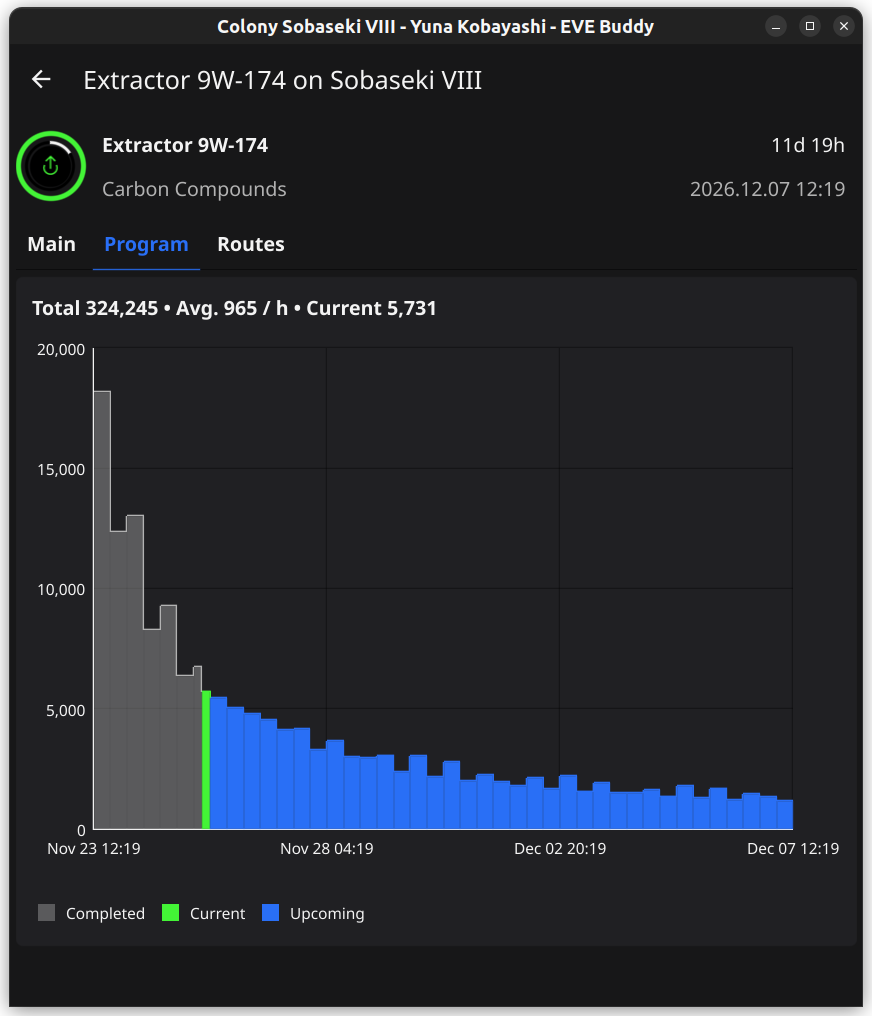
See the predicted output of an extractor program for each cycle, from completed to upcoming cycles, with the total and average output.
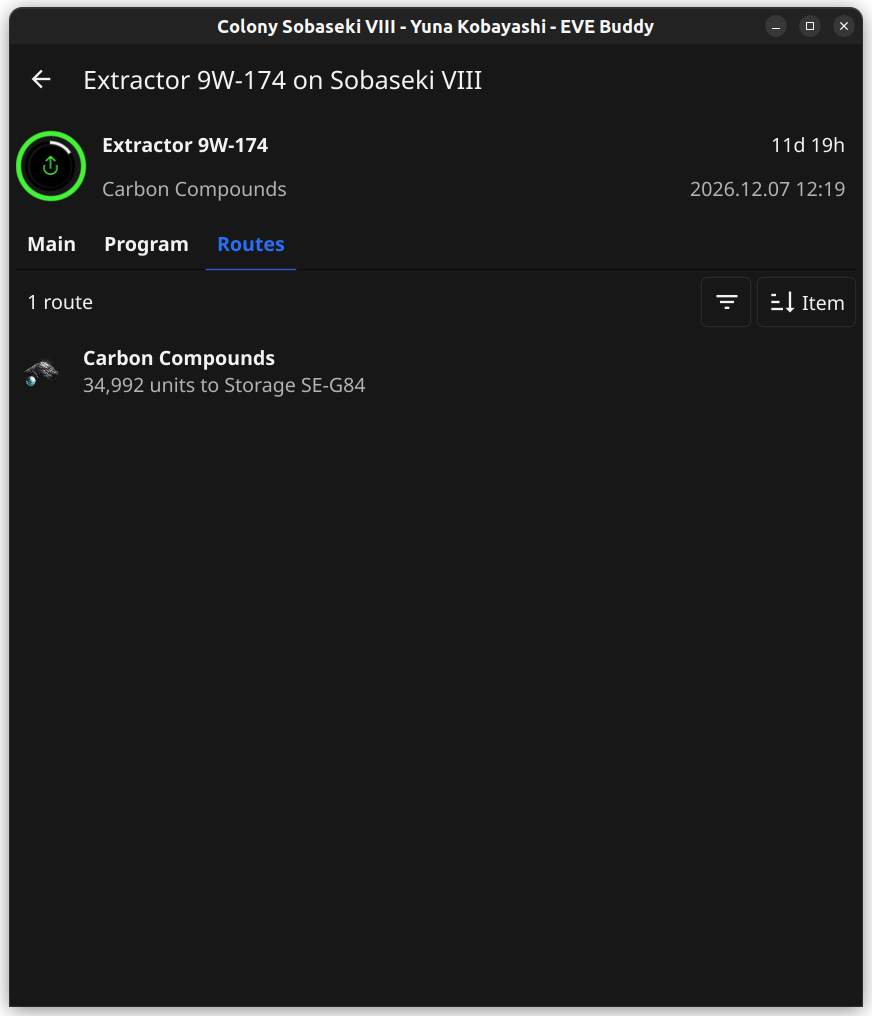
See the incoming and outgoing routes of an installation with the items and quantities they move. Processors and storage facilities also show their inputs and contents.
Industry Jobs
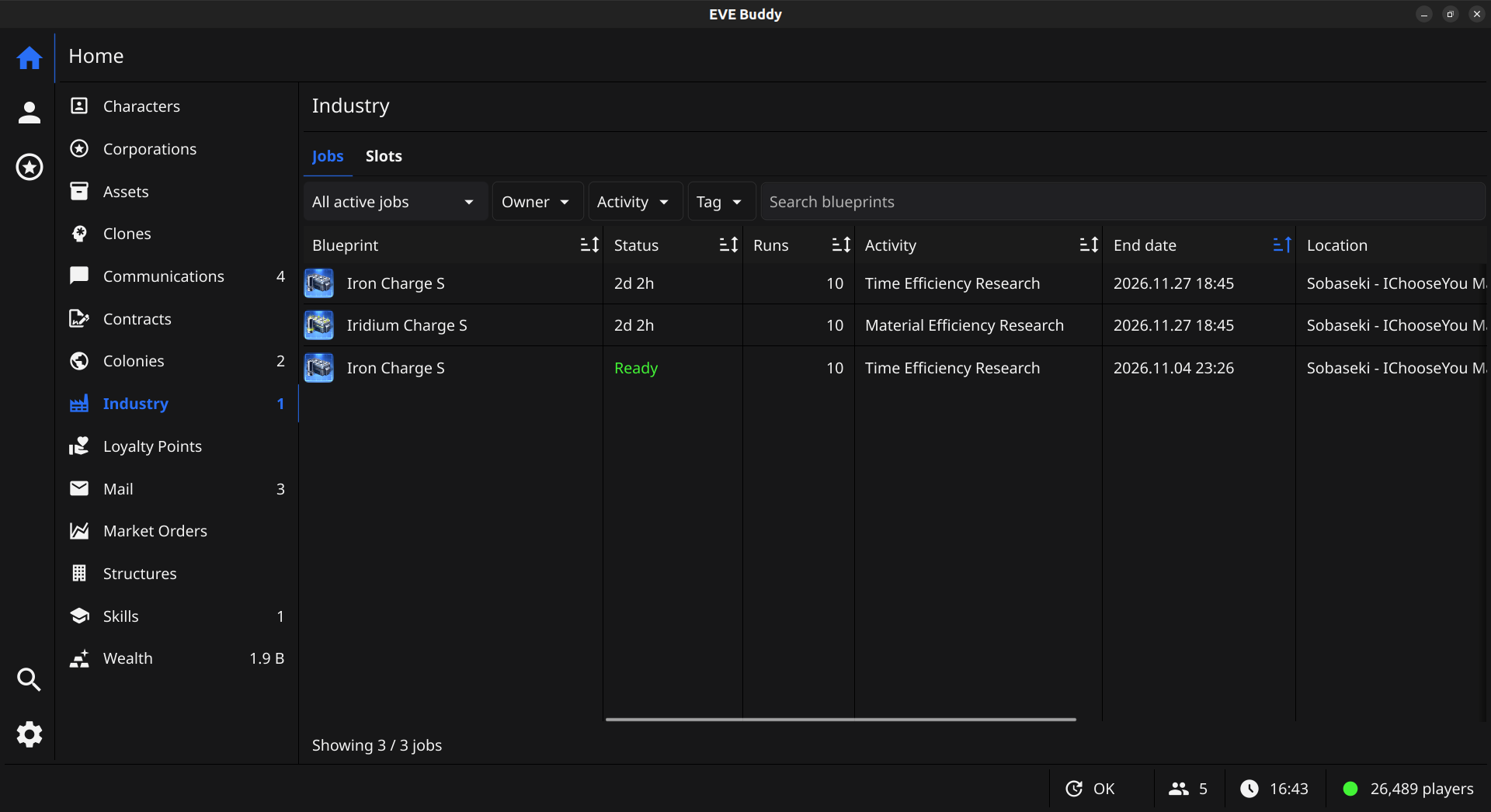
Browse industry jobs for all characters and related corporations.
Industry Slots
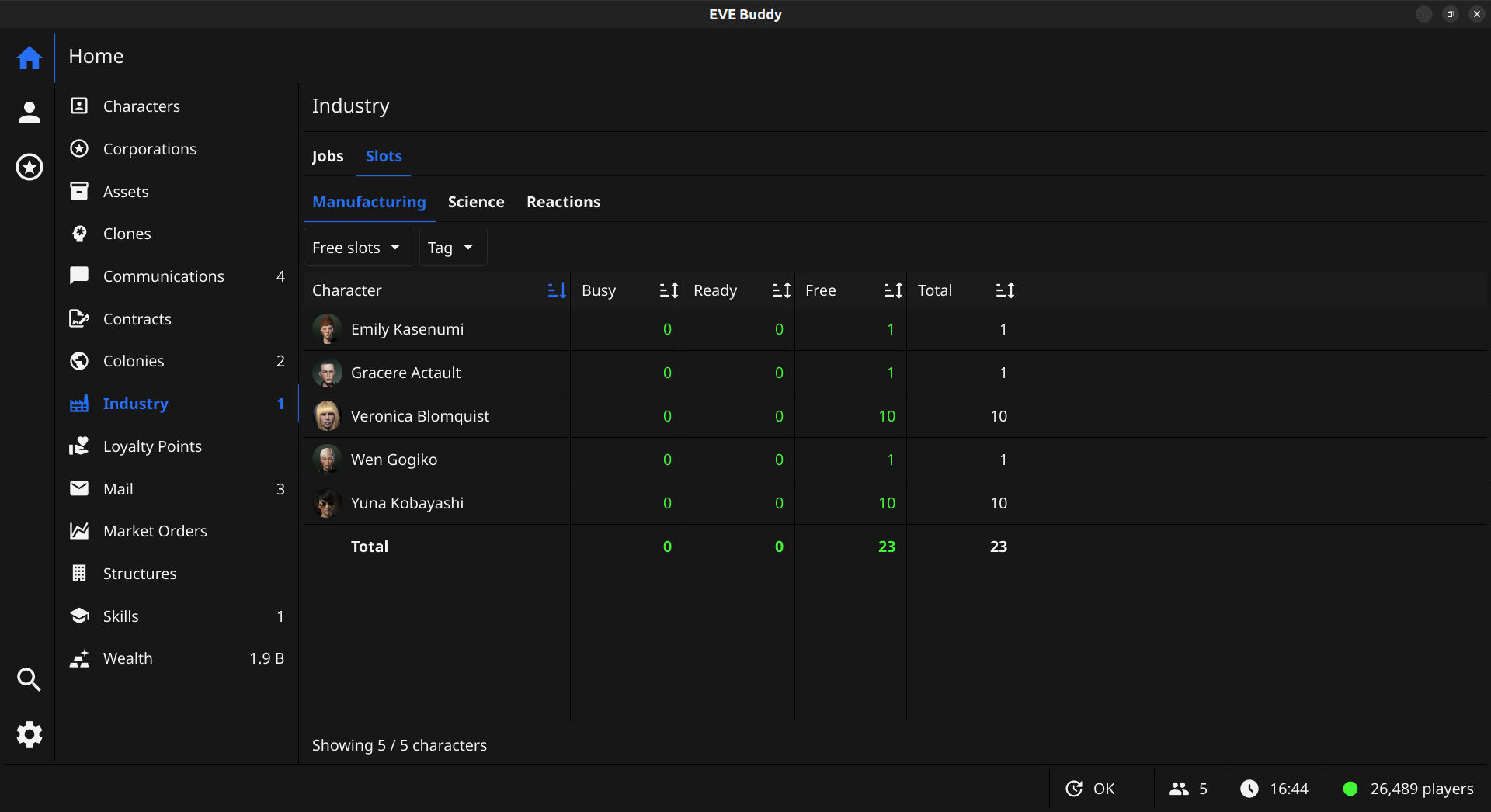
See how many manufacturing, science and reaction slots are busy, ready and free for each character.
Loyalty Points
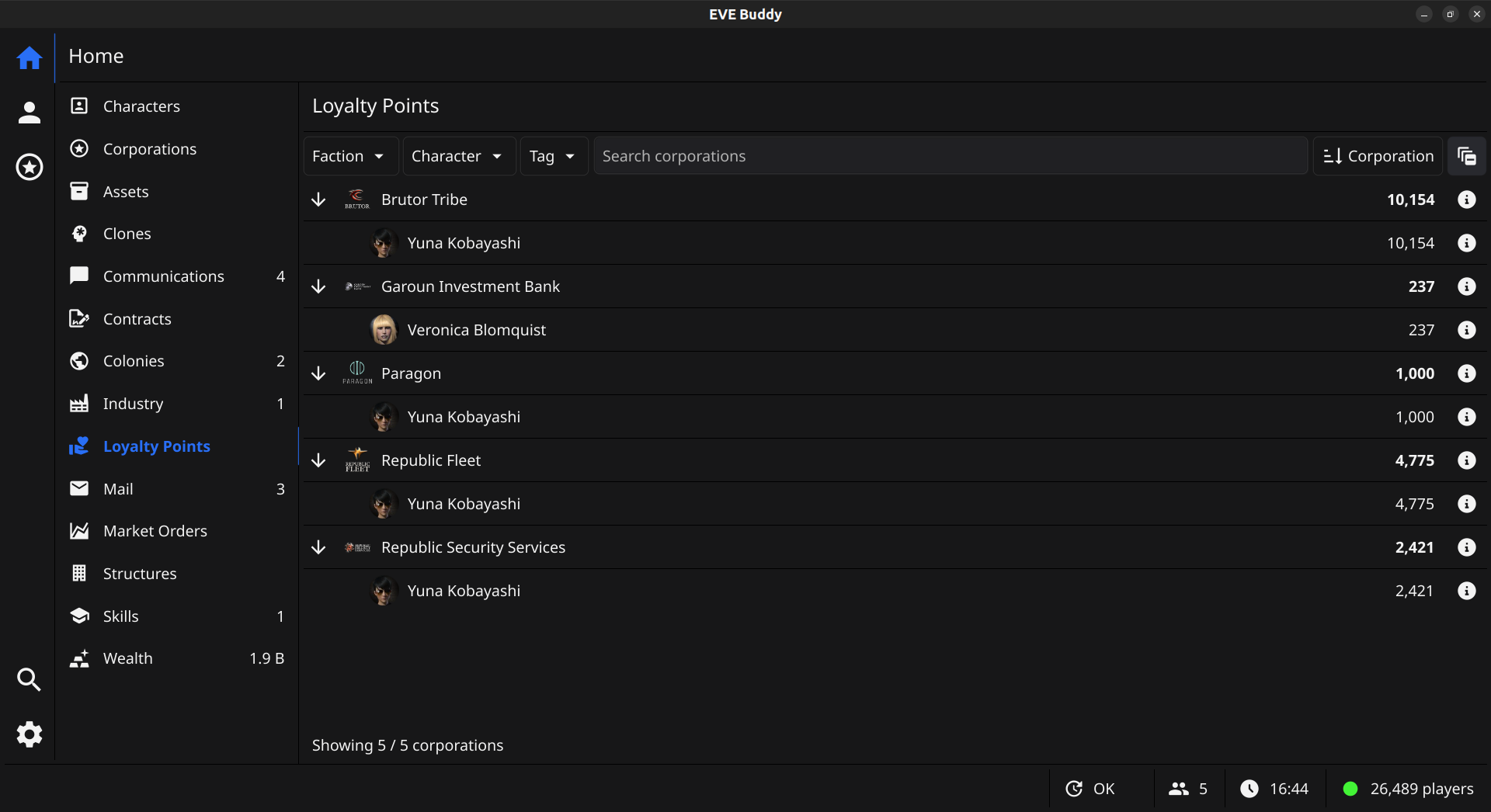
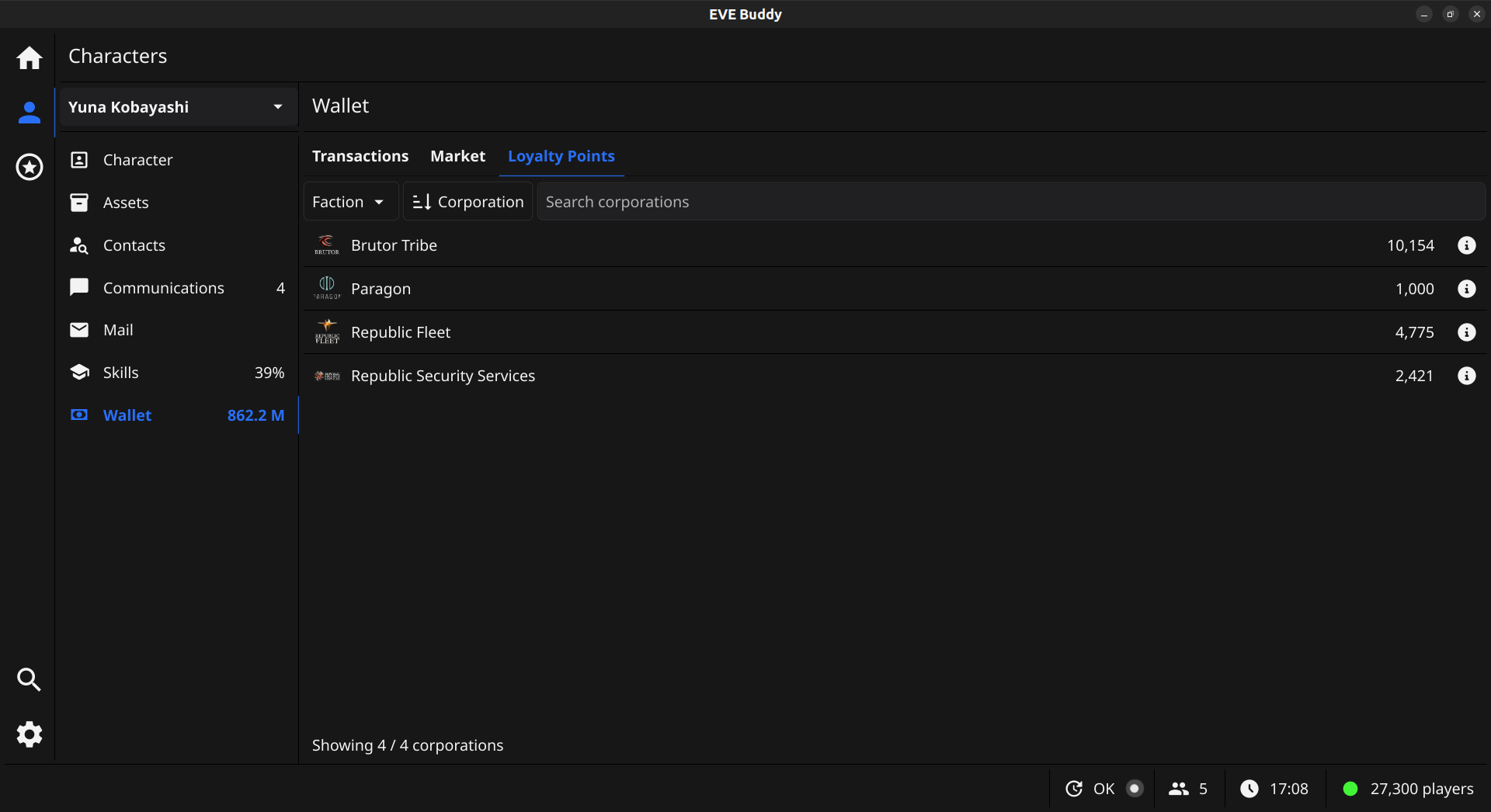
Loyalty points of all characters grouped by corporation. Loyalty points can be filtered and searched.
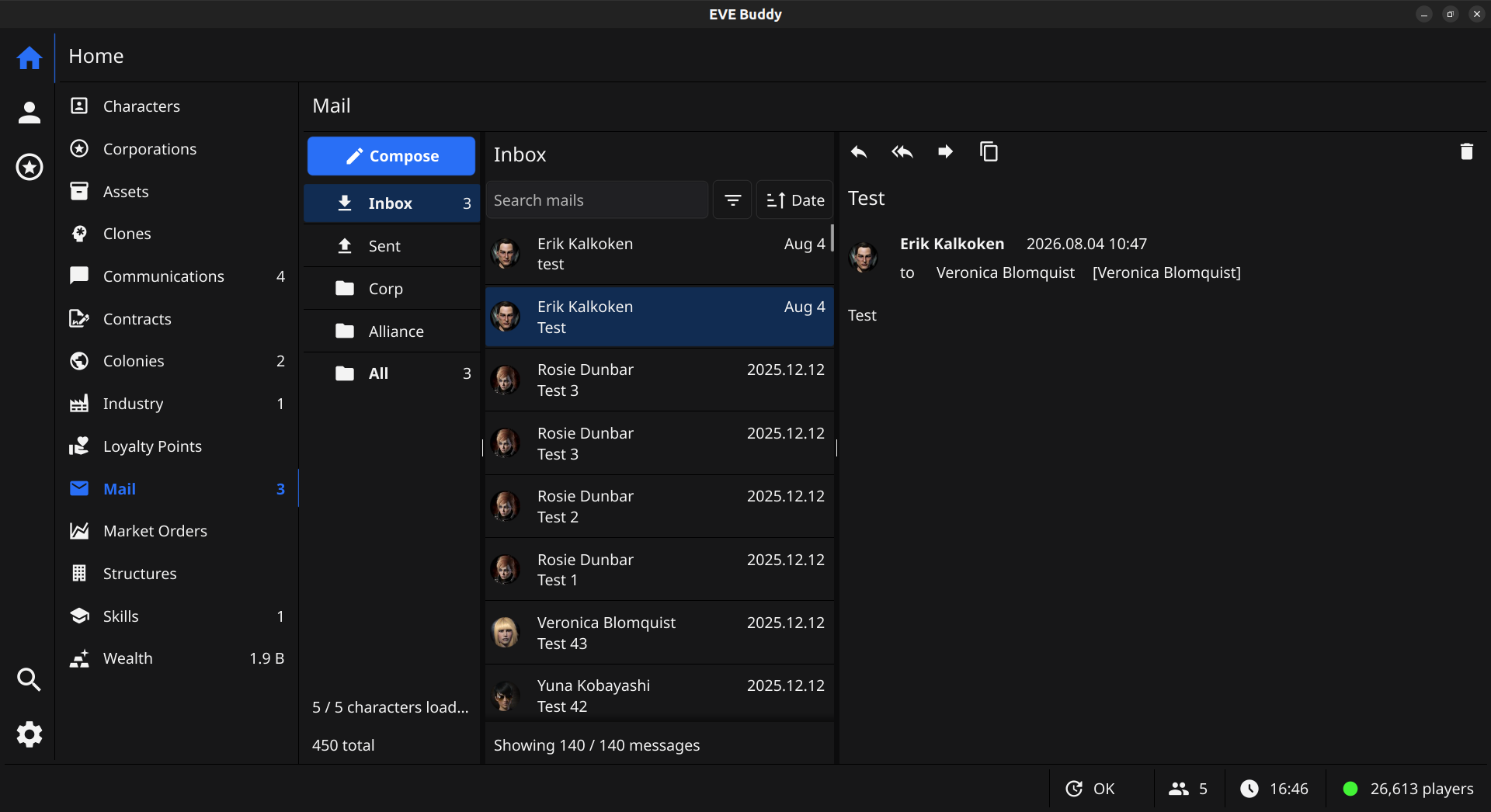
A unified mails browser for all characters. To write mails, see Character monitor - Mail .
Market Orders
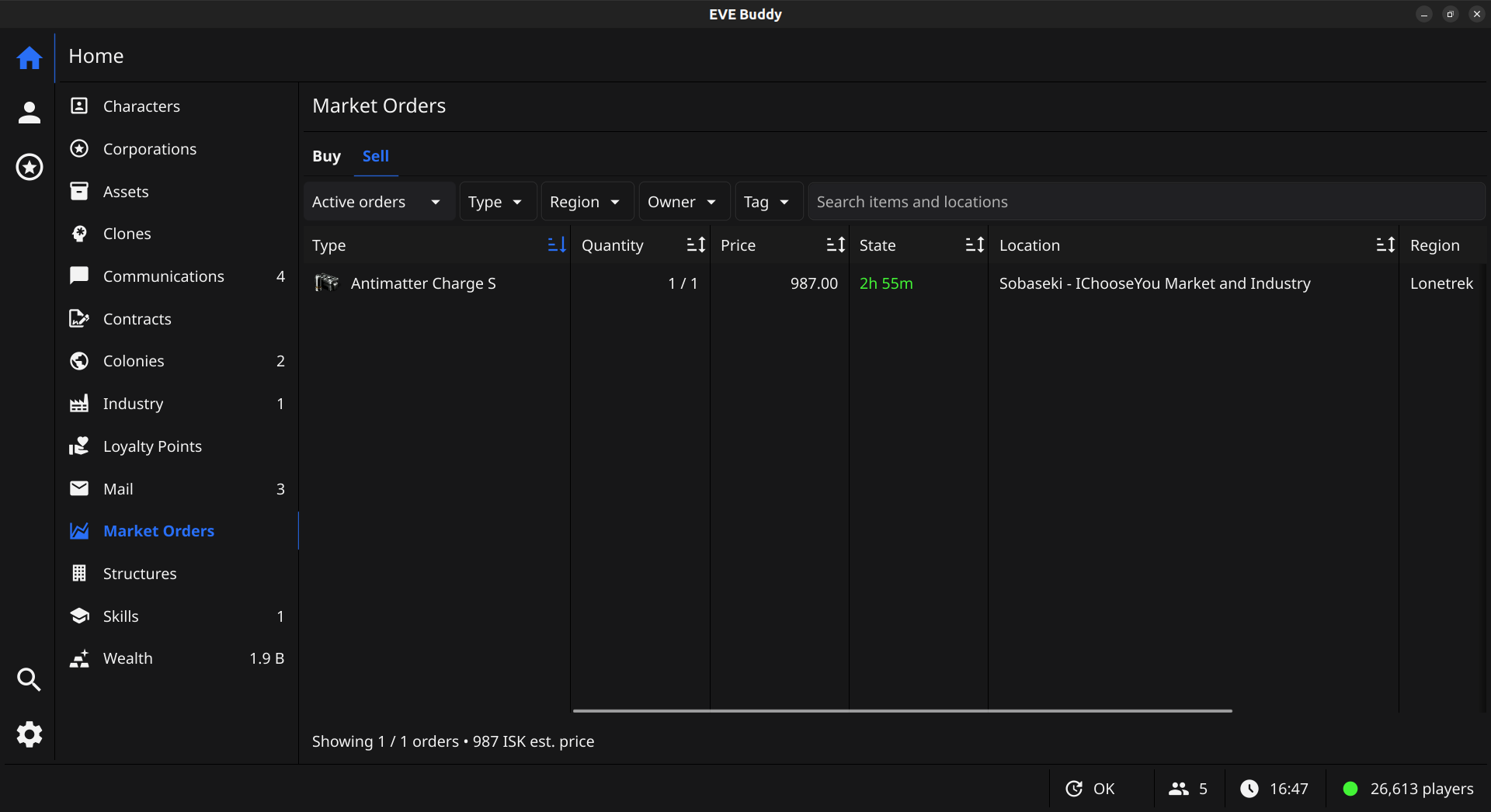
Browse buy and sell orders of all characters with their price, state and location. Orders can be filtered and searched.
Structures
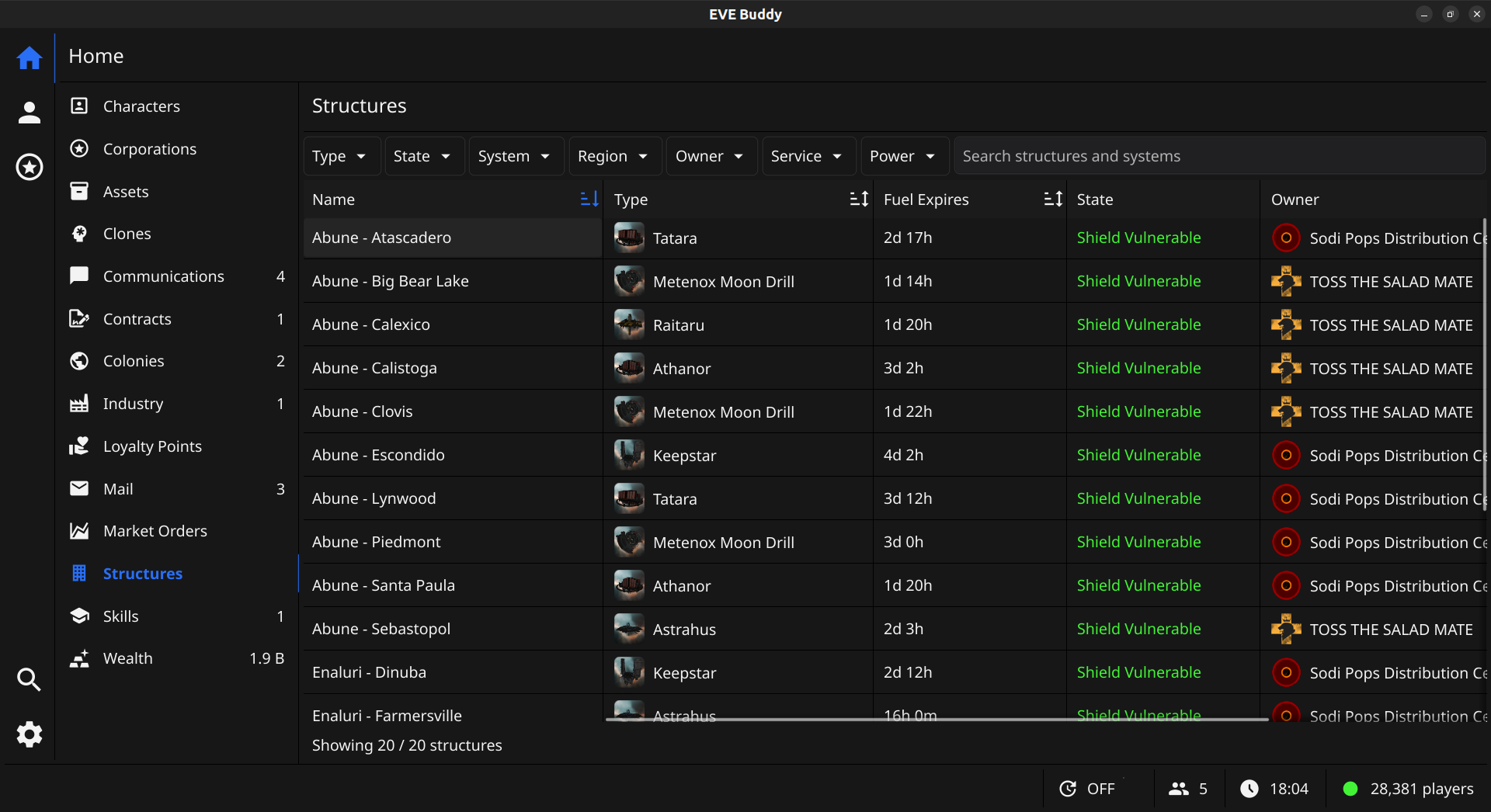
Unified view of all corporation structures across all your corporations. Structures can be filtered and searched.
Skill Training
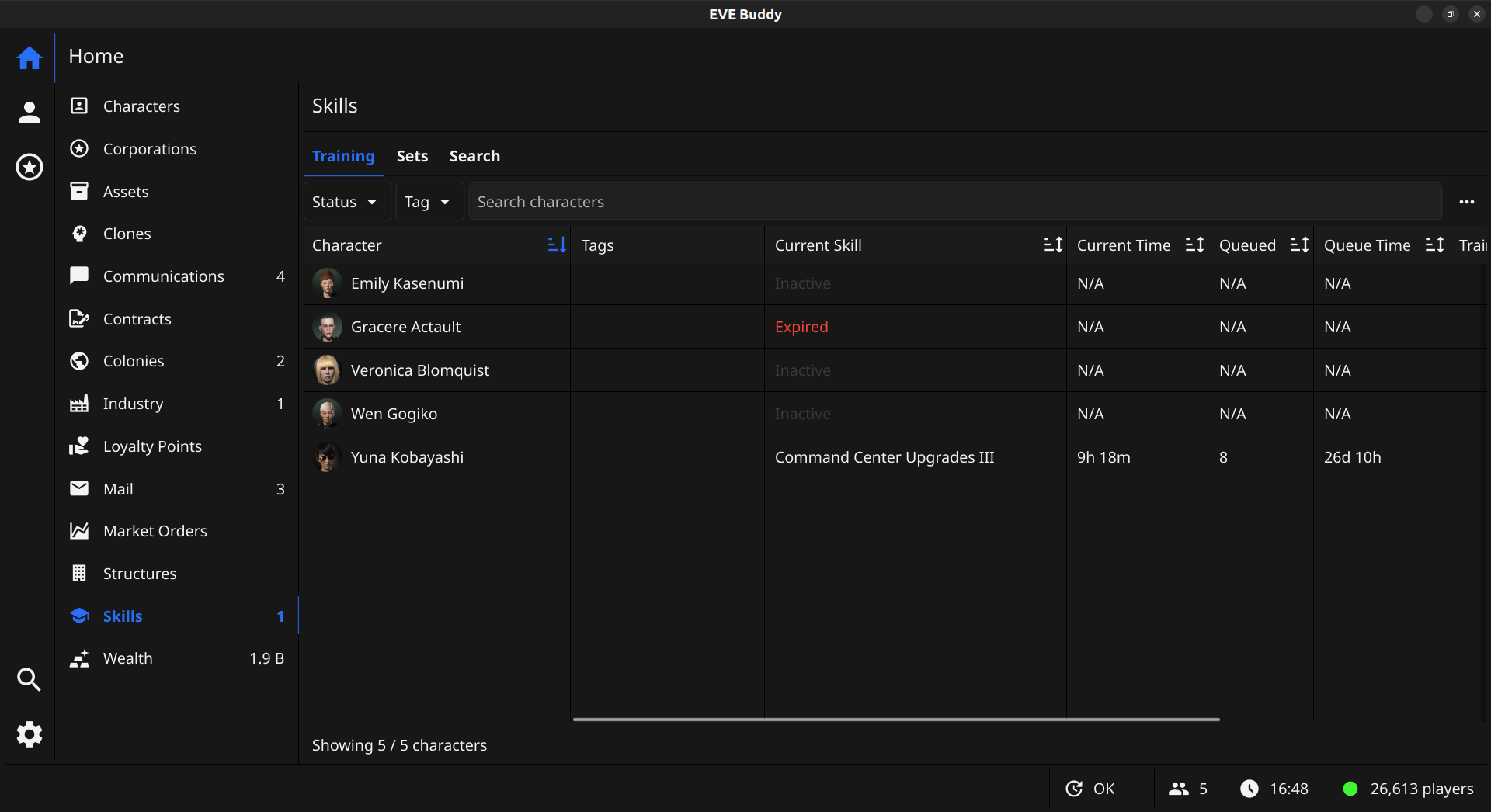
Keep track of the training status for all characters and export training status to clipboard or file.
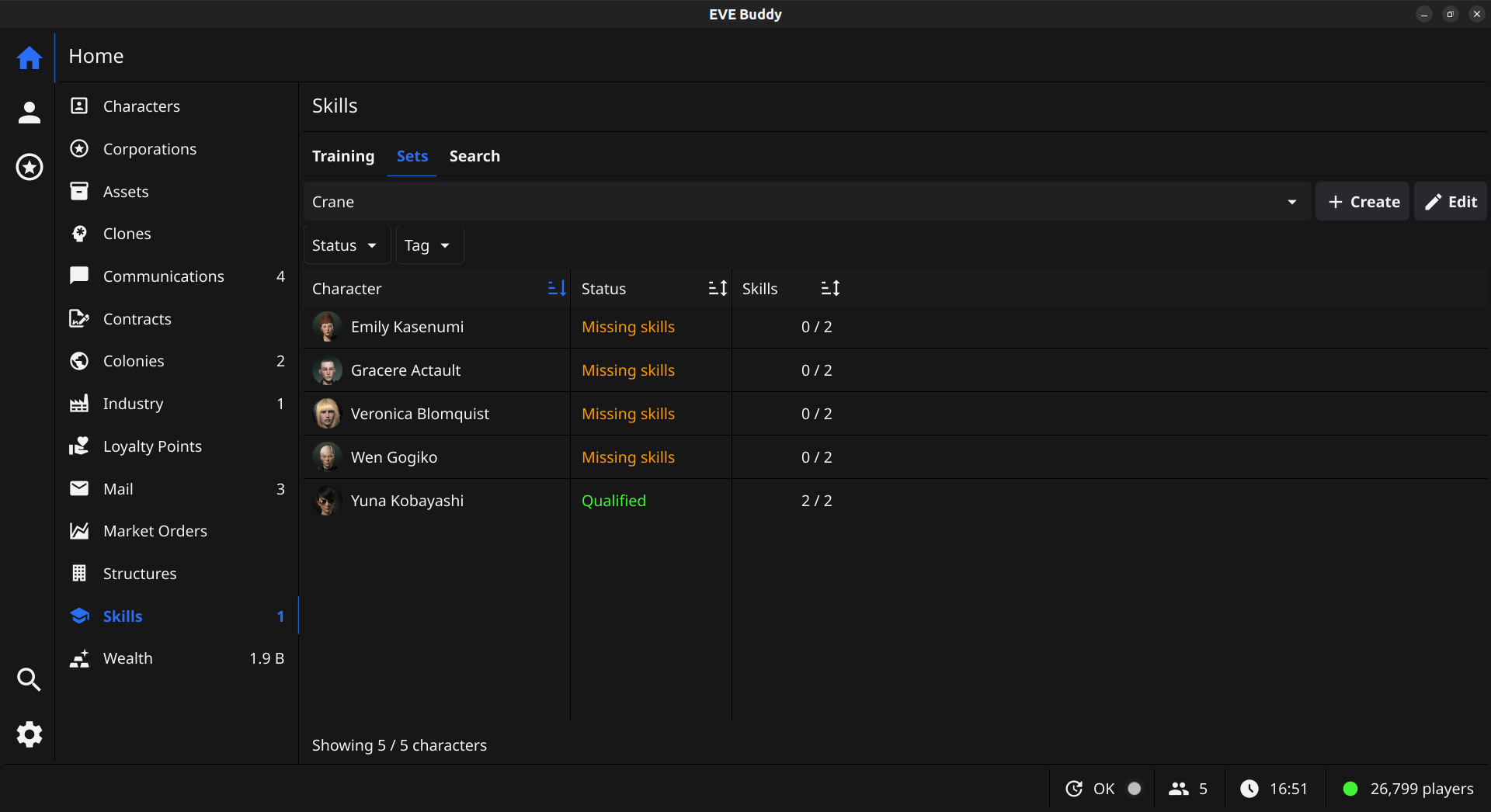
Skill Sets
Check which characters meet the requirements of your own skill sets, e.g. for flying a specific ship. Create skill sets by searching for skills or by pasting a skill list. Characters can be filtered.
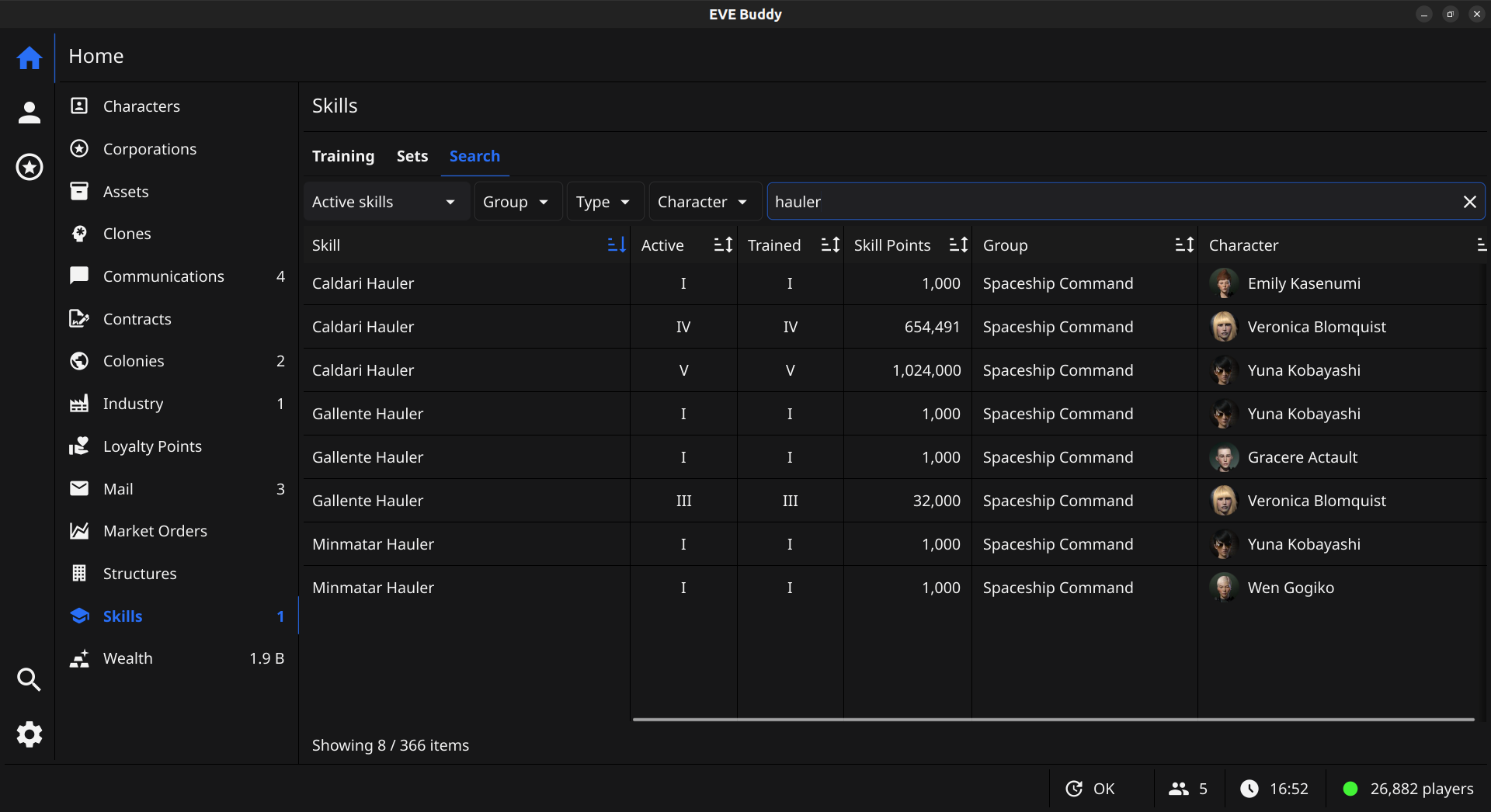
Skill Search
Search for skills across all characters.
Wealth
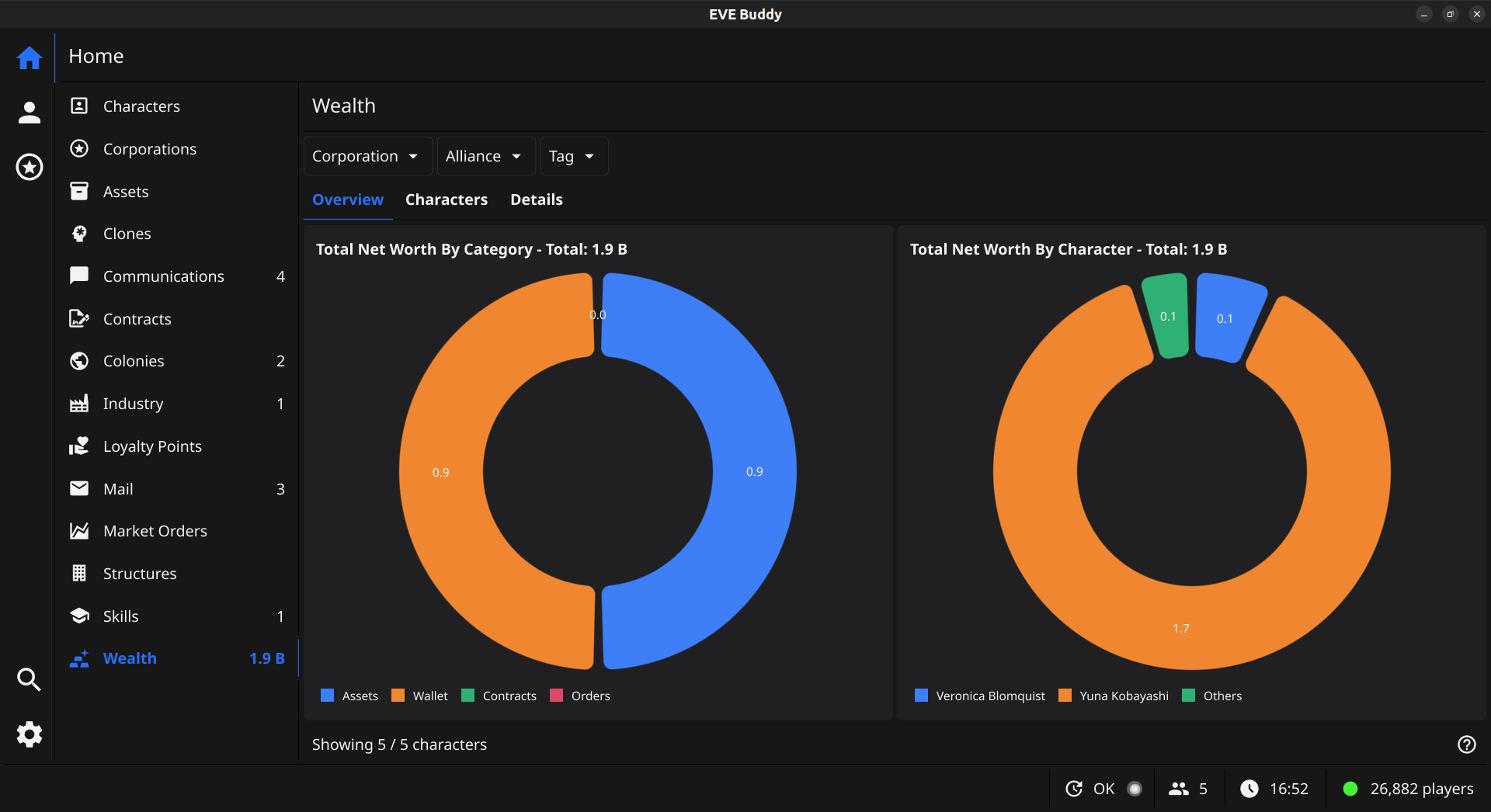
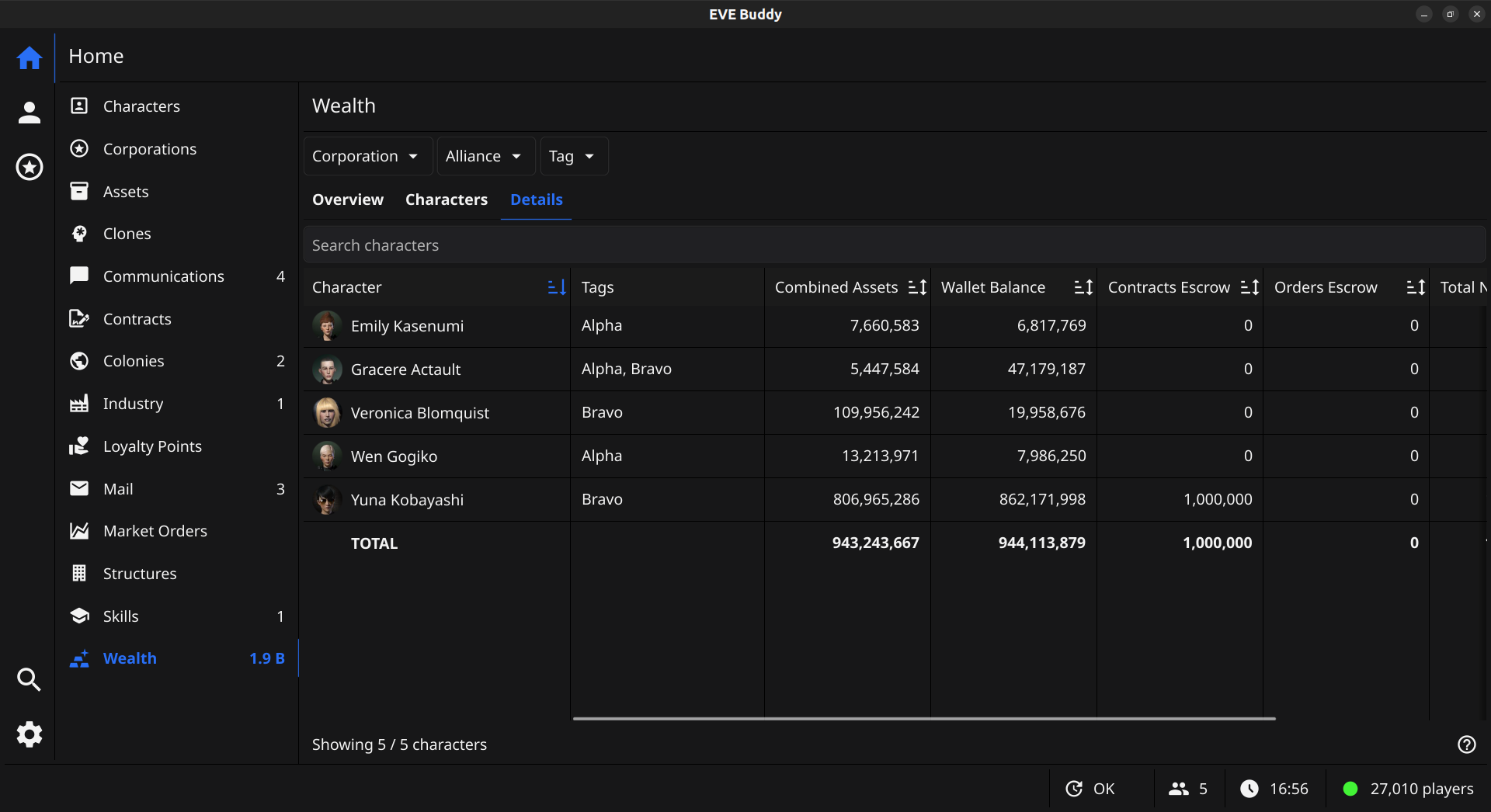
See the total net worth of all characters, made up of their wallet balance, the estimated value of their assets (including items in sell orders and contracts), and escrow in contracts and buy orders. Characters can be filtered. Blueprints and PLEX are not included.
An overview of net worth by category and by character.
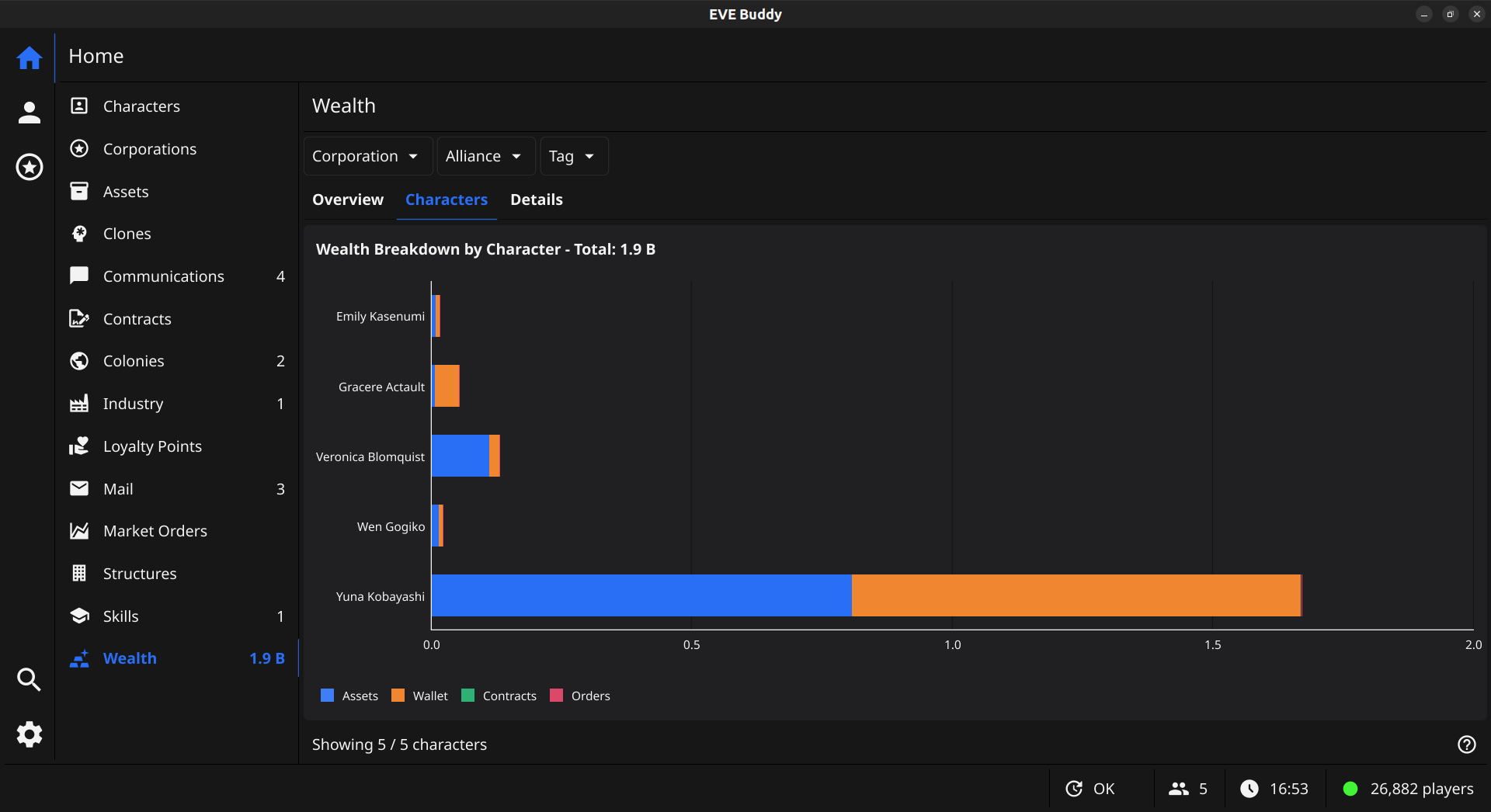
A breakdown of wealth by character.
A detailed table per character, including the value of extracted skill points.
Character monitor
Check current information about each of your characters.
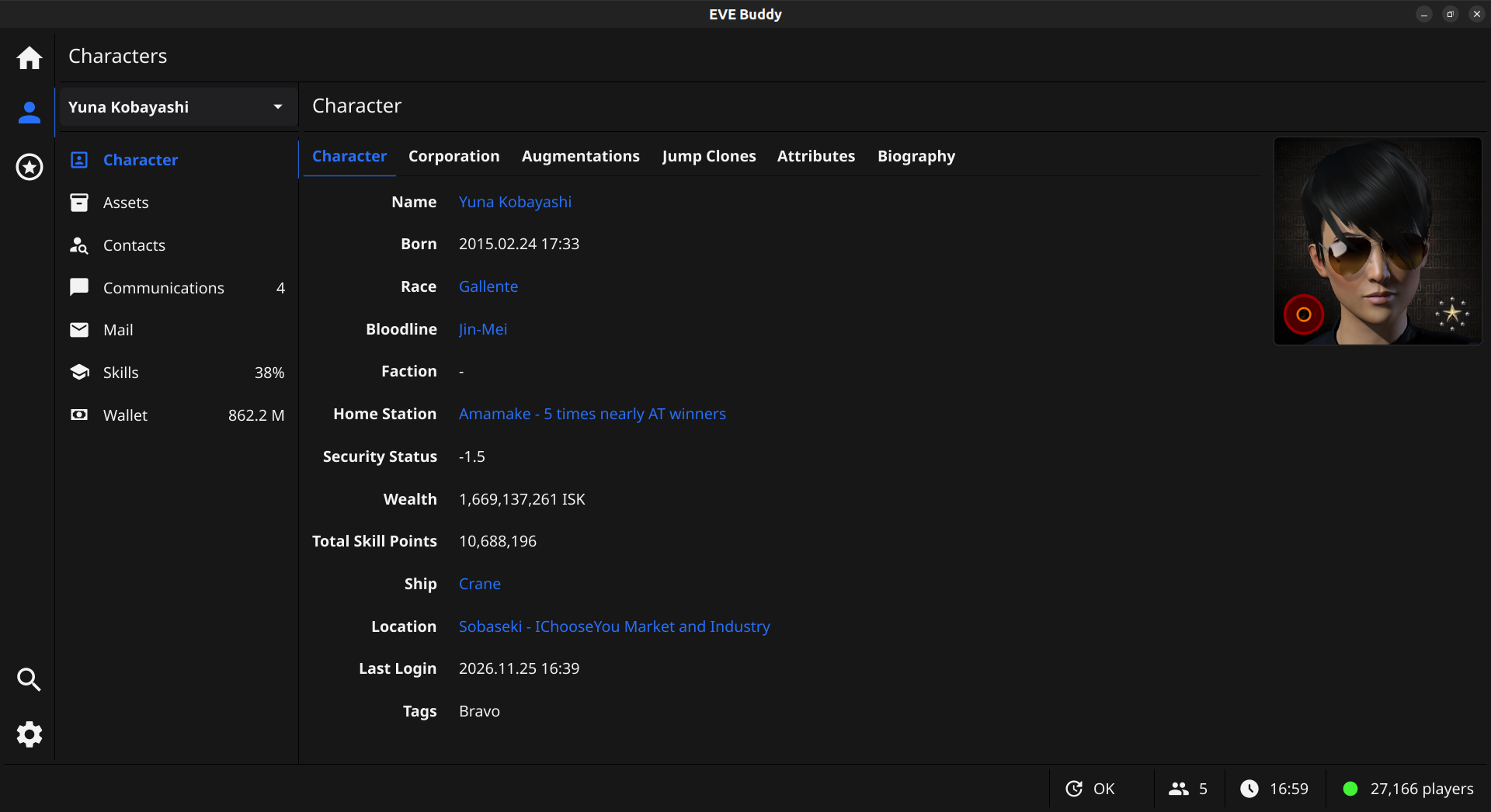
Character Sheet
Key facts about the character, e.g. location, ship, home station, security status, total skill points and wealth. The character’s biography is shown in its own tab.
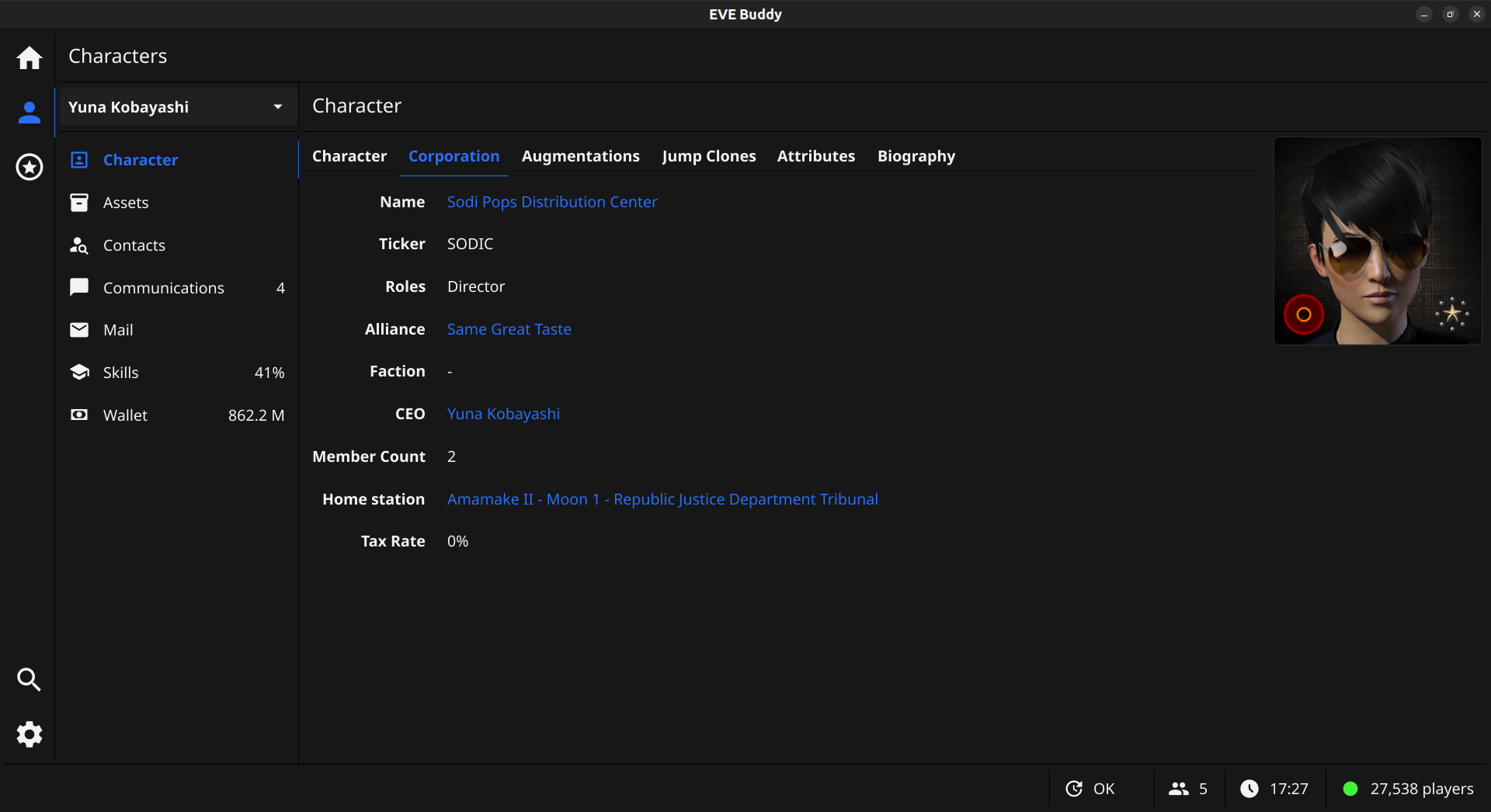
Corporation
The character’s current corporation.
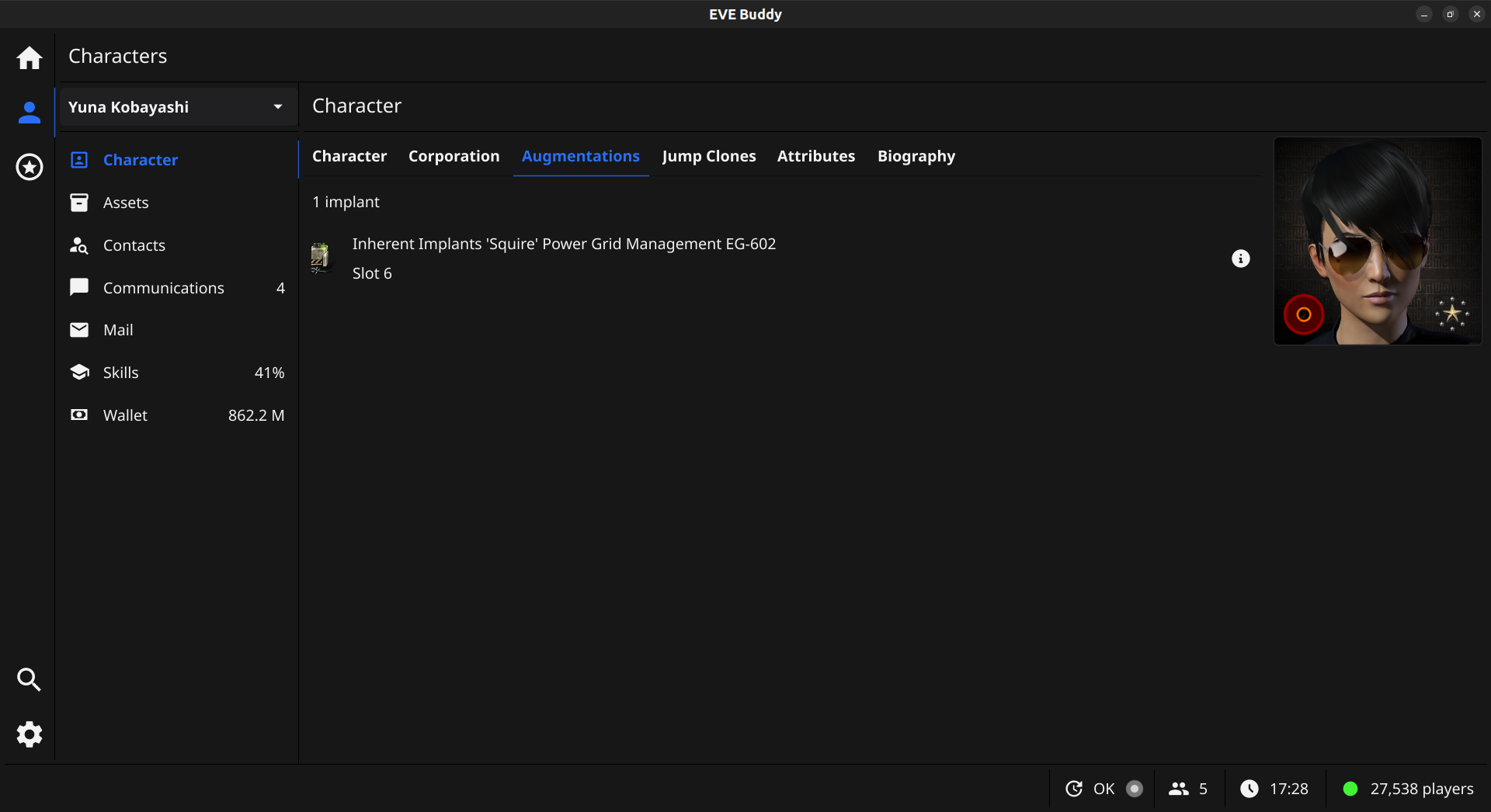
Augmentations
Implants installed in the character’s current clone.
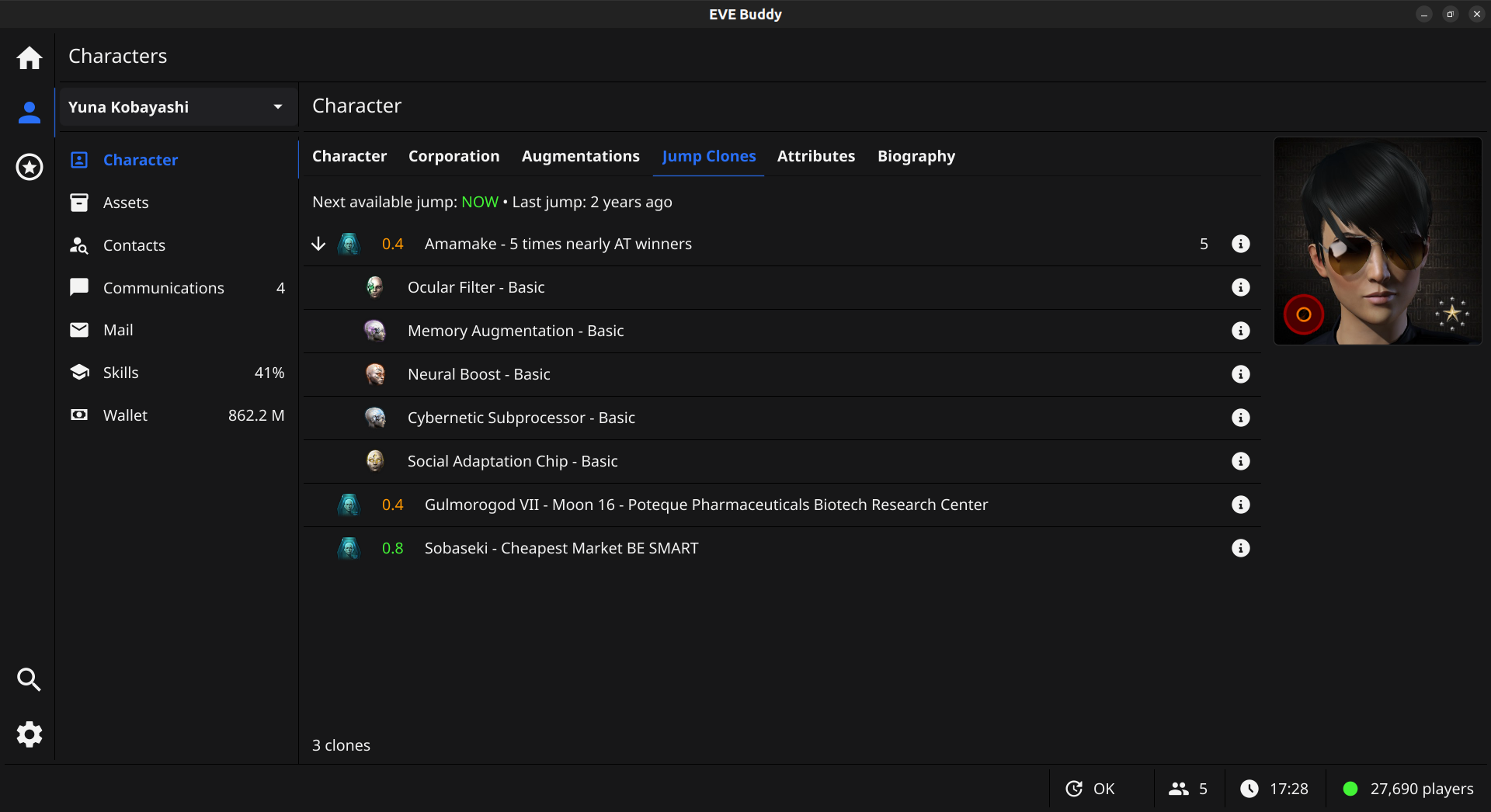
Jump Clones
The character’s jump clones and the jump cooldown timer.
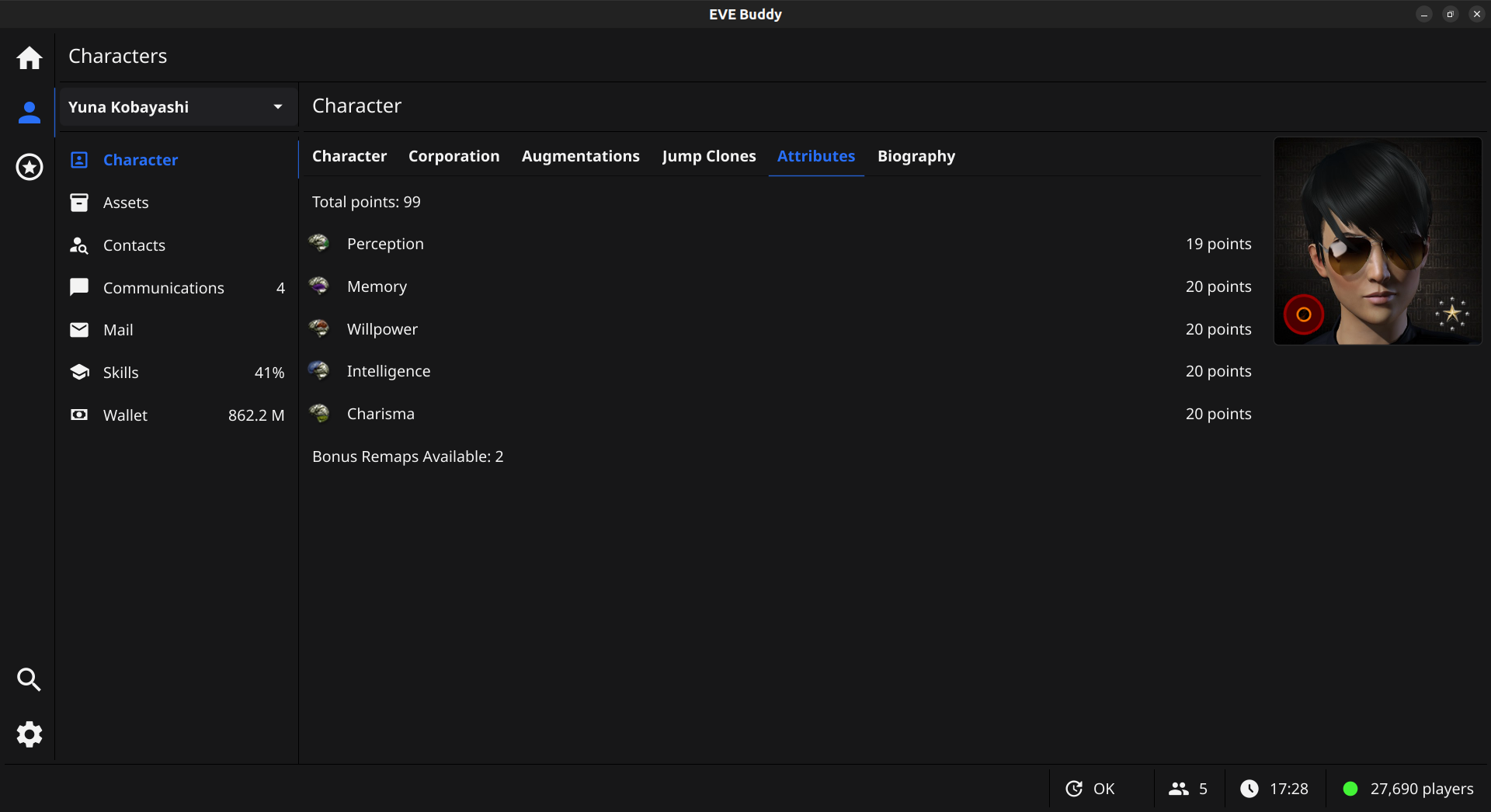
Attributes
The character’s attributes: Charisma, Intelligence, Memory, Perception and Willpower.
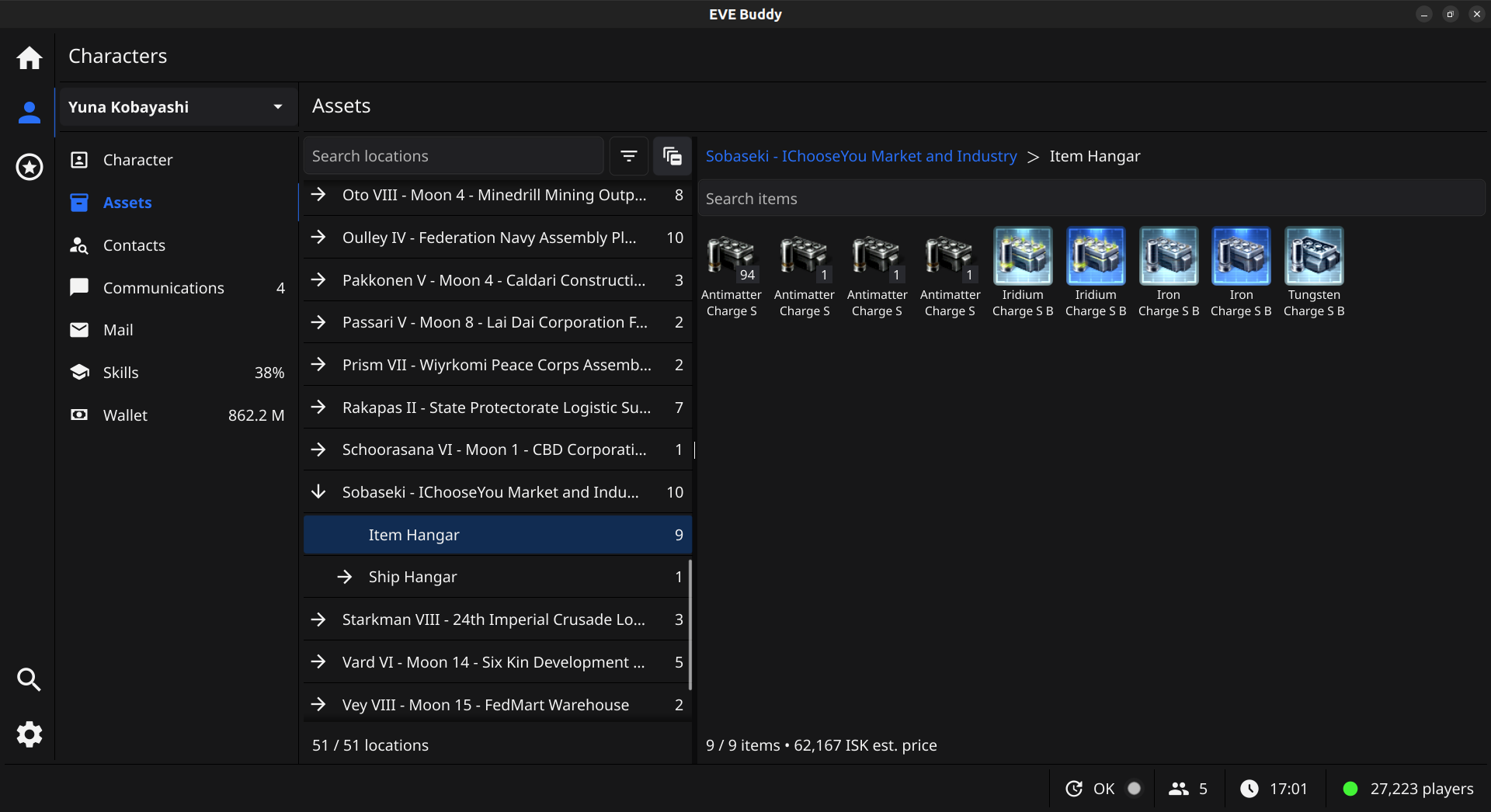
Assets
Browse through your assets at all your locations.
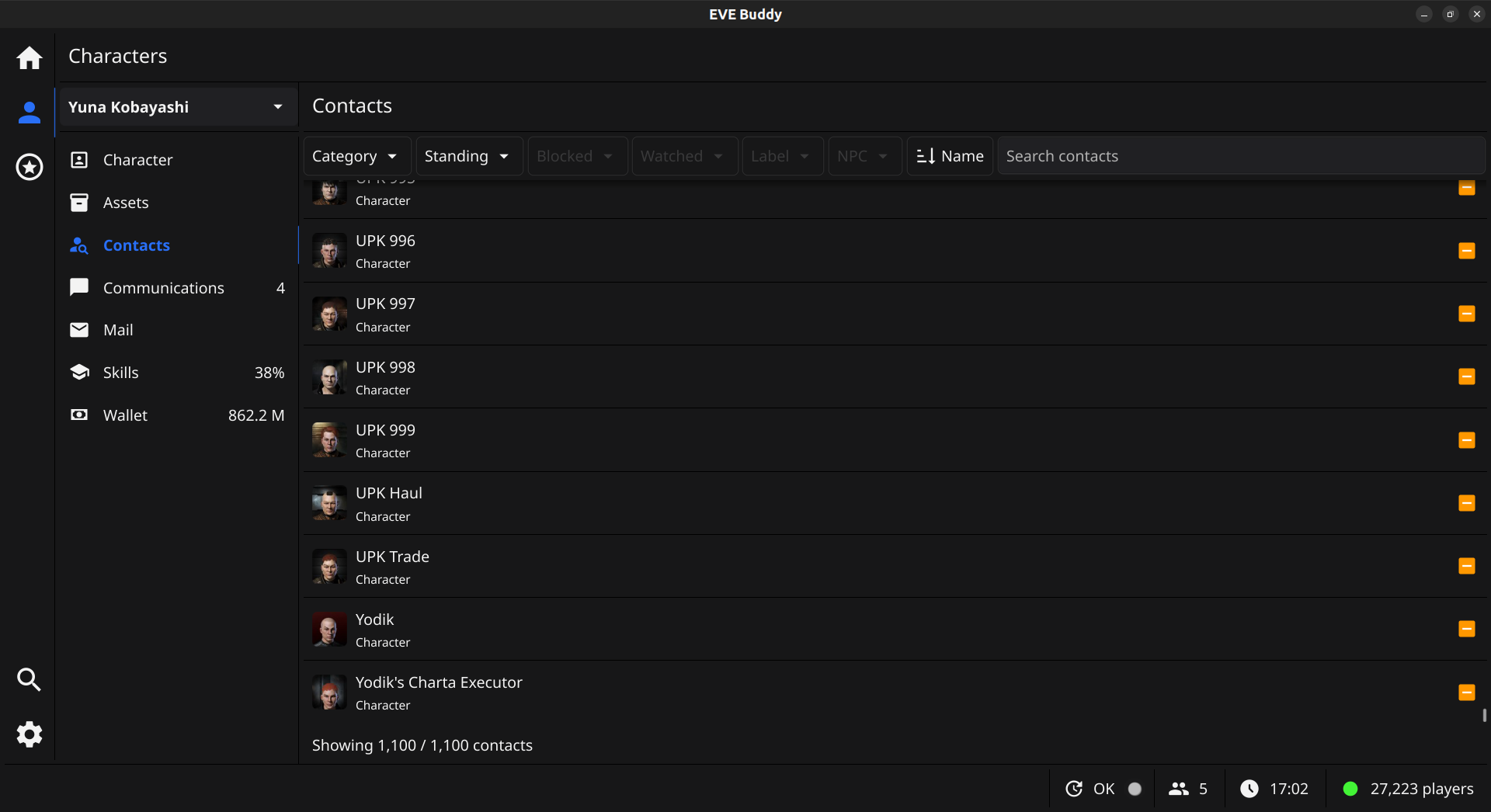
Contacts
Browse the character’s contacts with their standing. Contacts can be filtered and searched.
Communications
Browse through all communications.
Mails can be discovered and read in a classic 3-pane layout with navigation, message and reading panes.
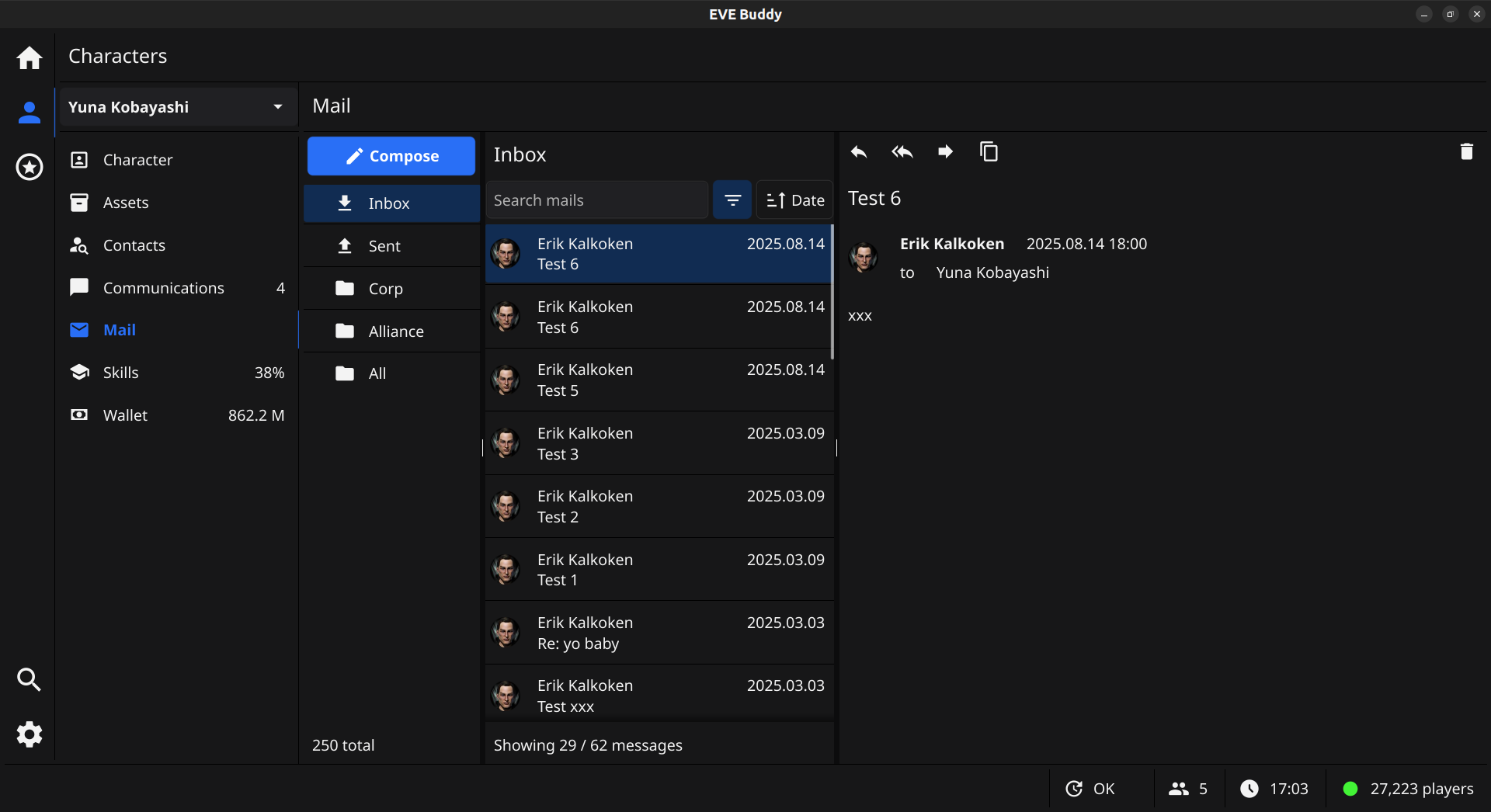
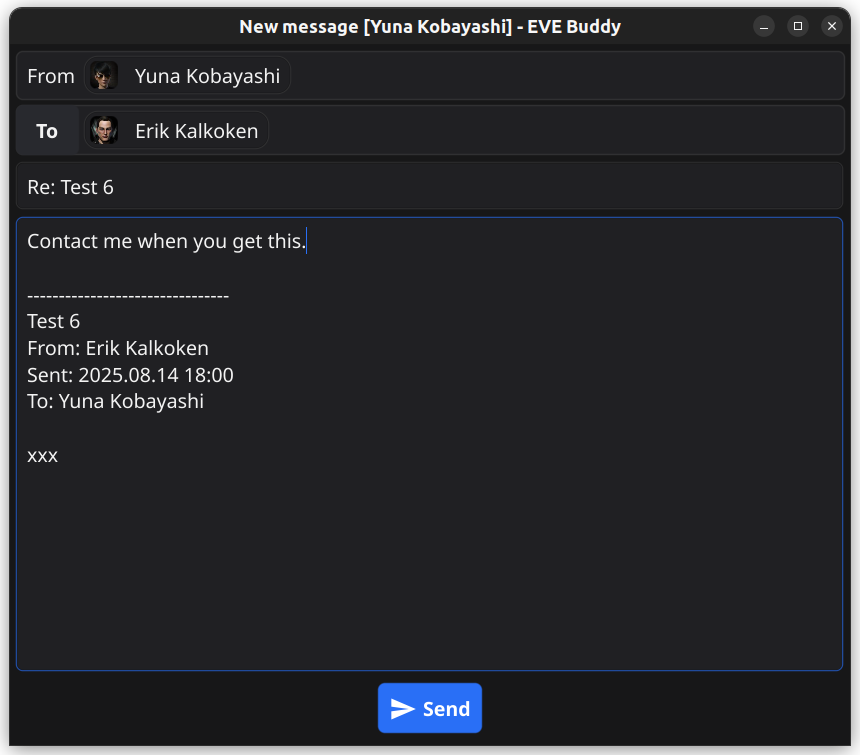
Mails can be sent. Users can search online for recipient names.
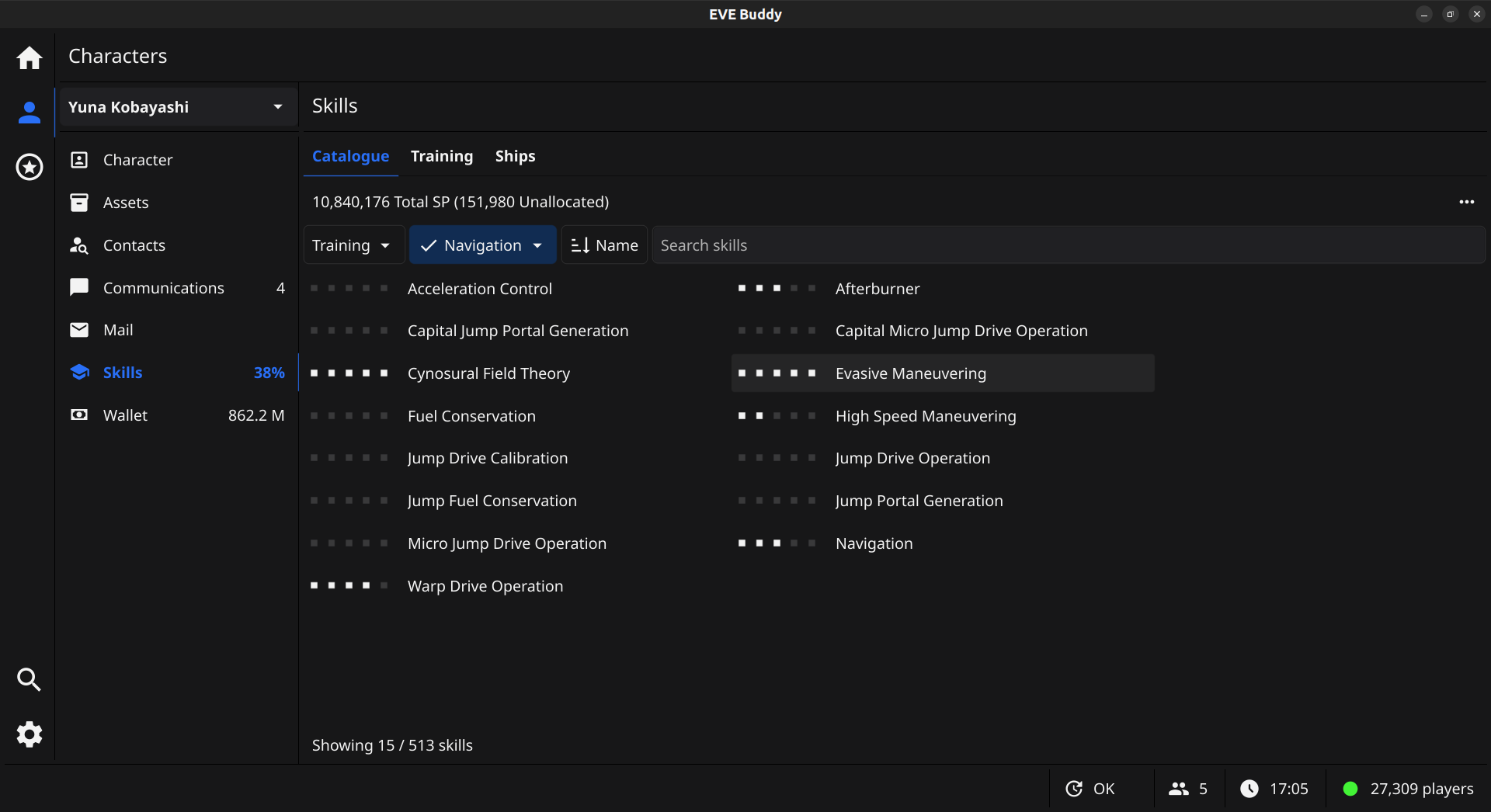
Skill Catalogue
Catalogue of all trained skills, and export trained skills to clipboard (PyFA -compatible format) or CSV.
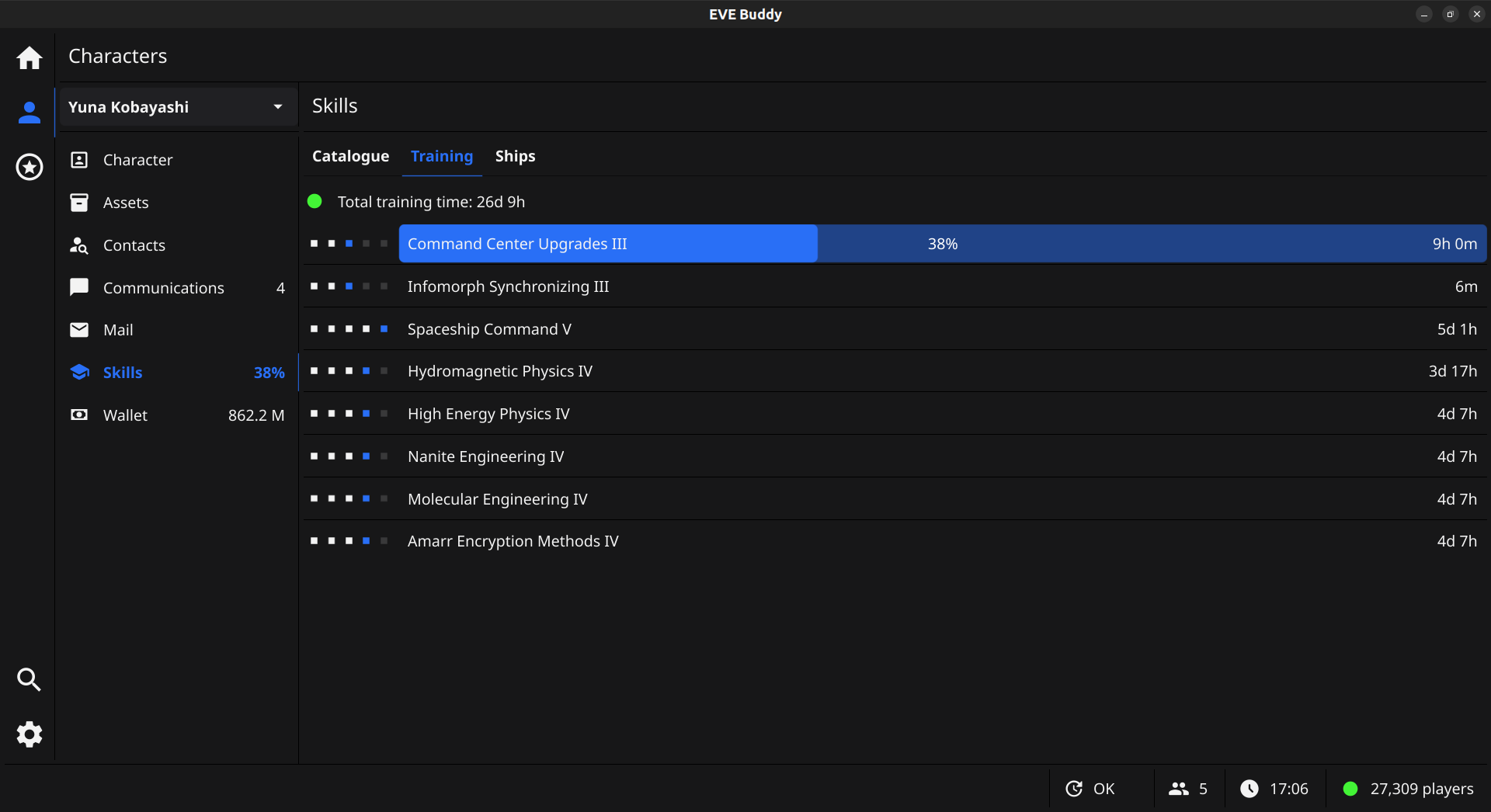
Training Queue
The character’s training queue.
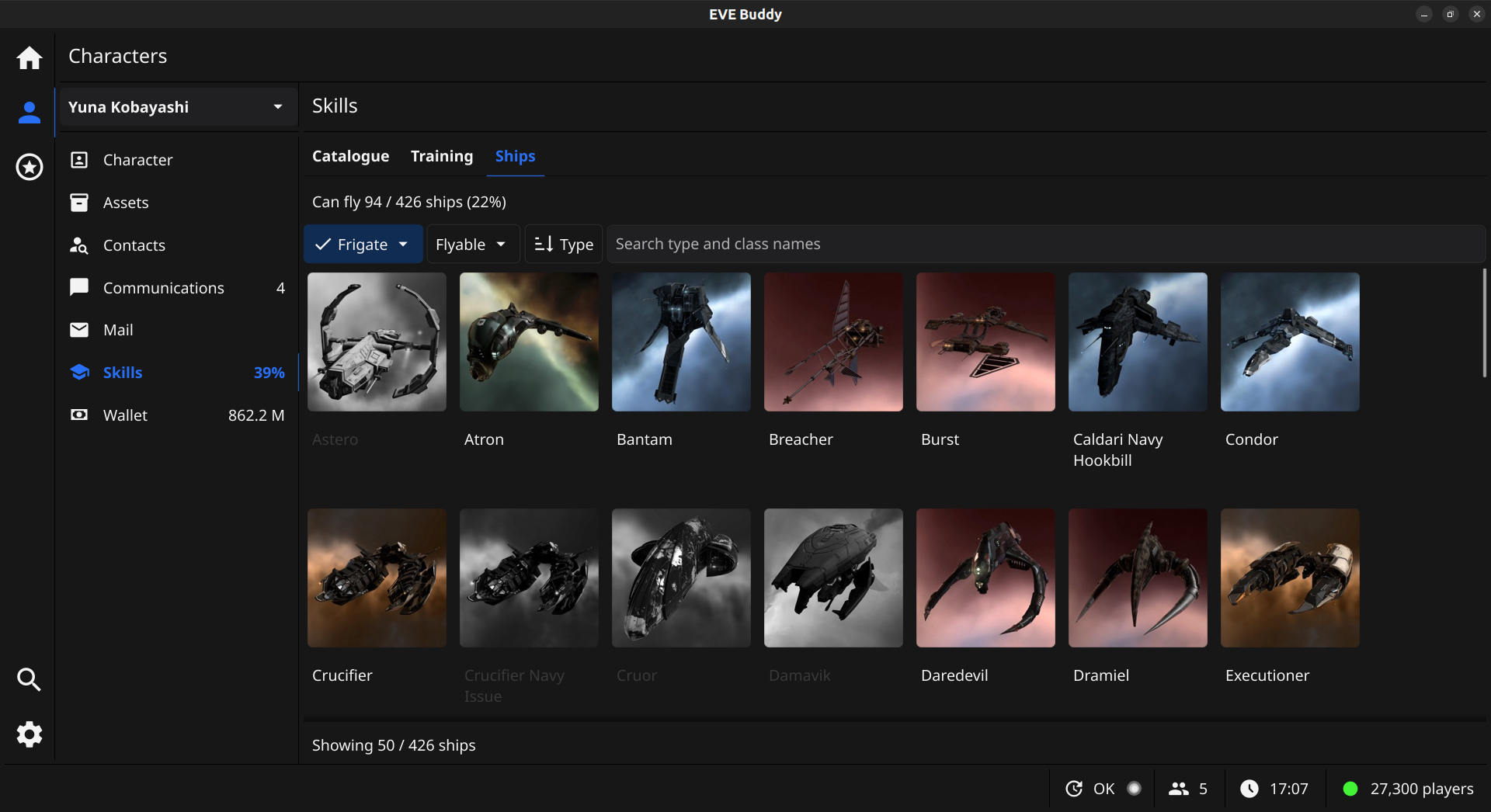
Flyable Ships
See which ships the character can fly.
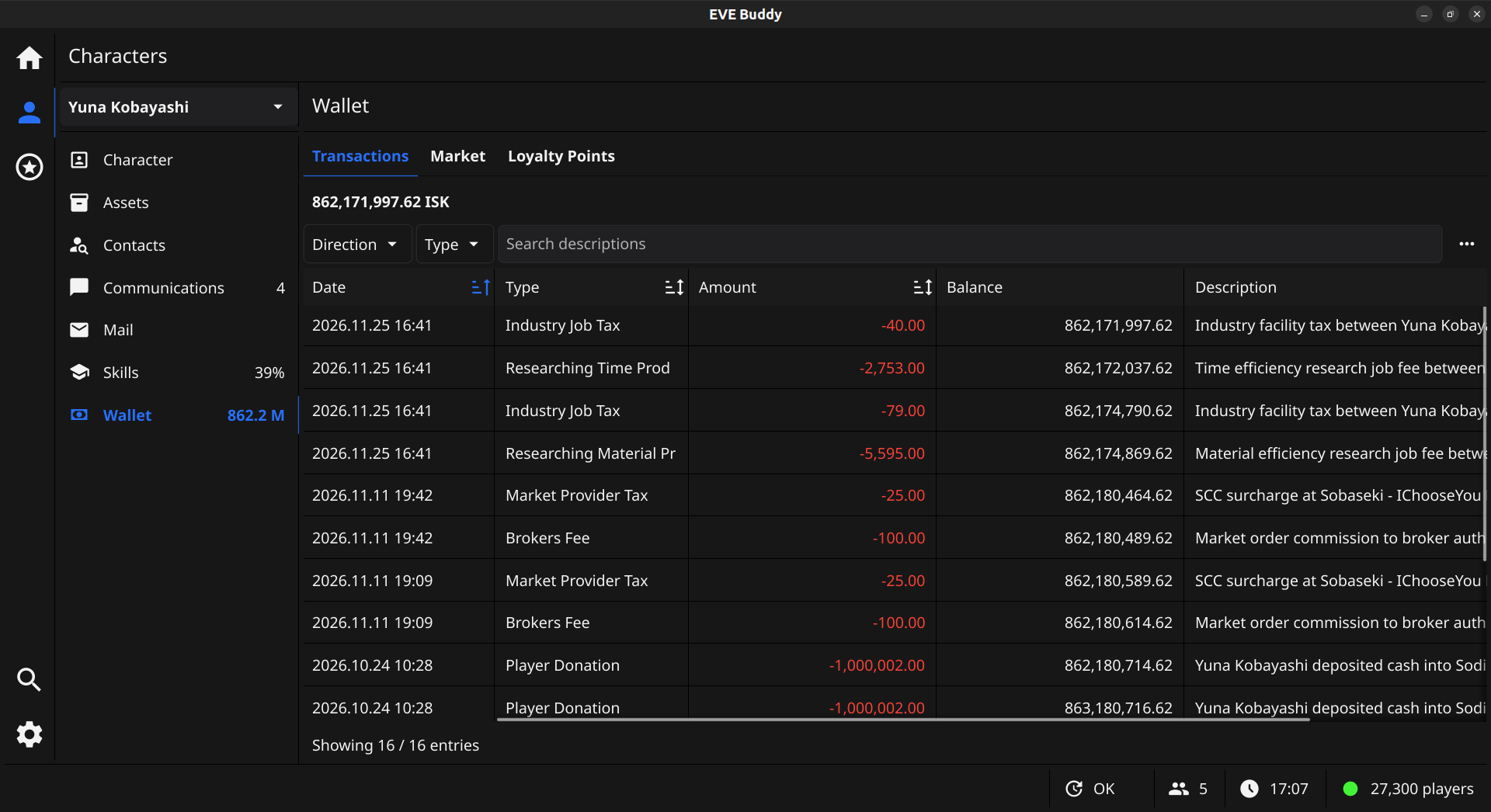
Wallet Transactions
Wallet transactions, and export wallet transactions to CSV.
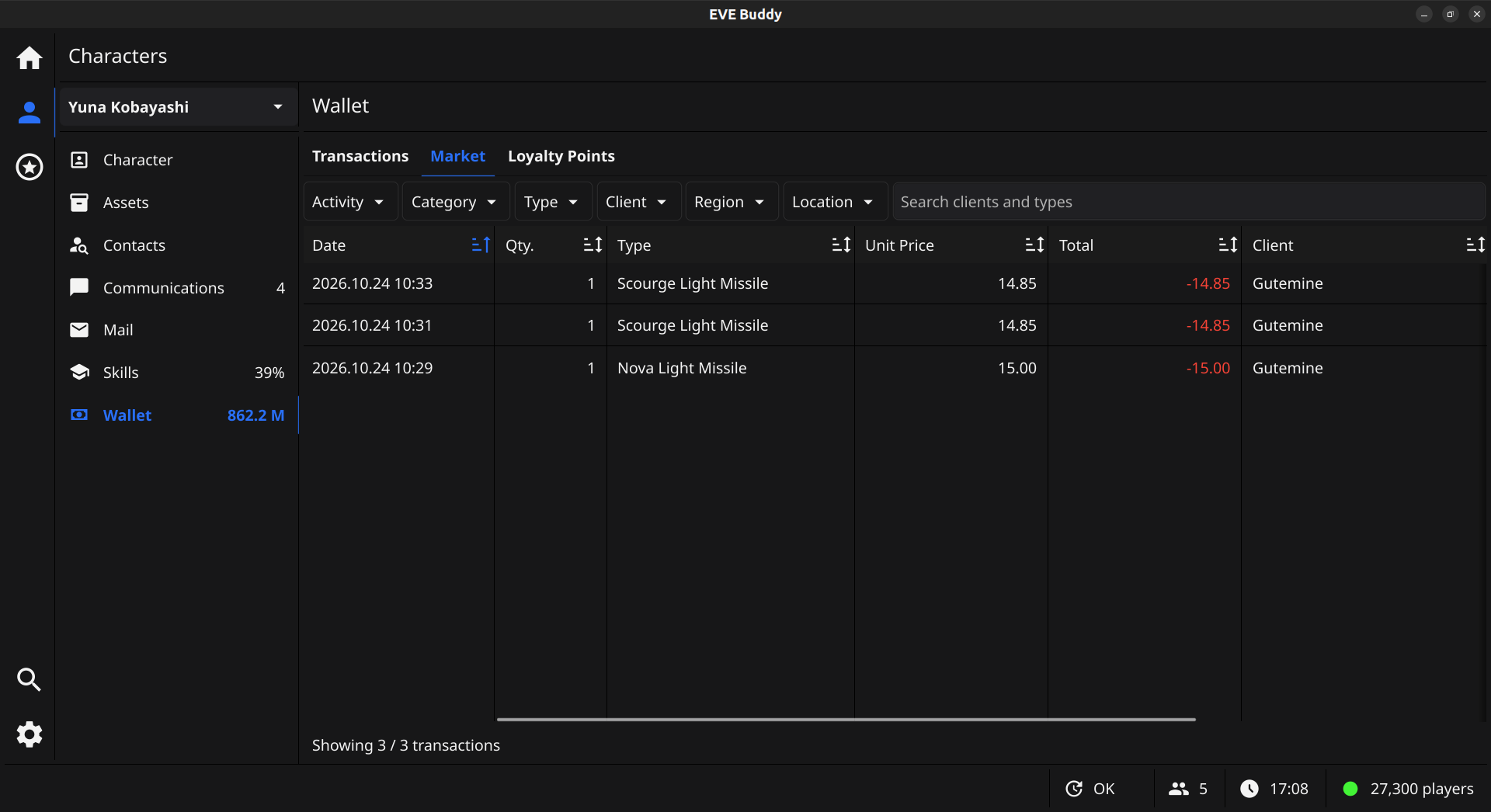
Market Transactions
Market transactions of the character.
Loyalty Points
Loyalty points of the character.
Corporation monitor
Check current information about each of your corporations (depending on their roles).
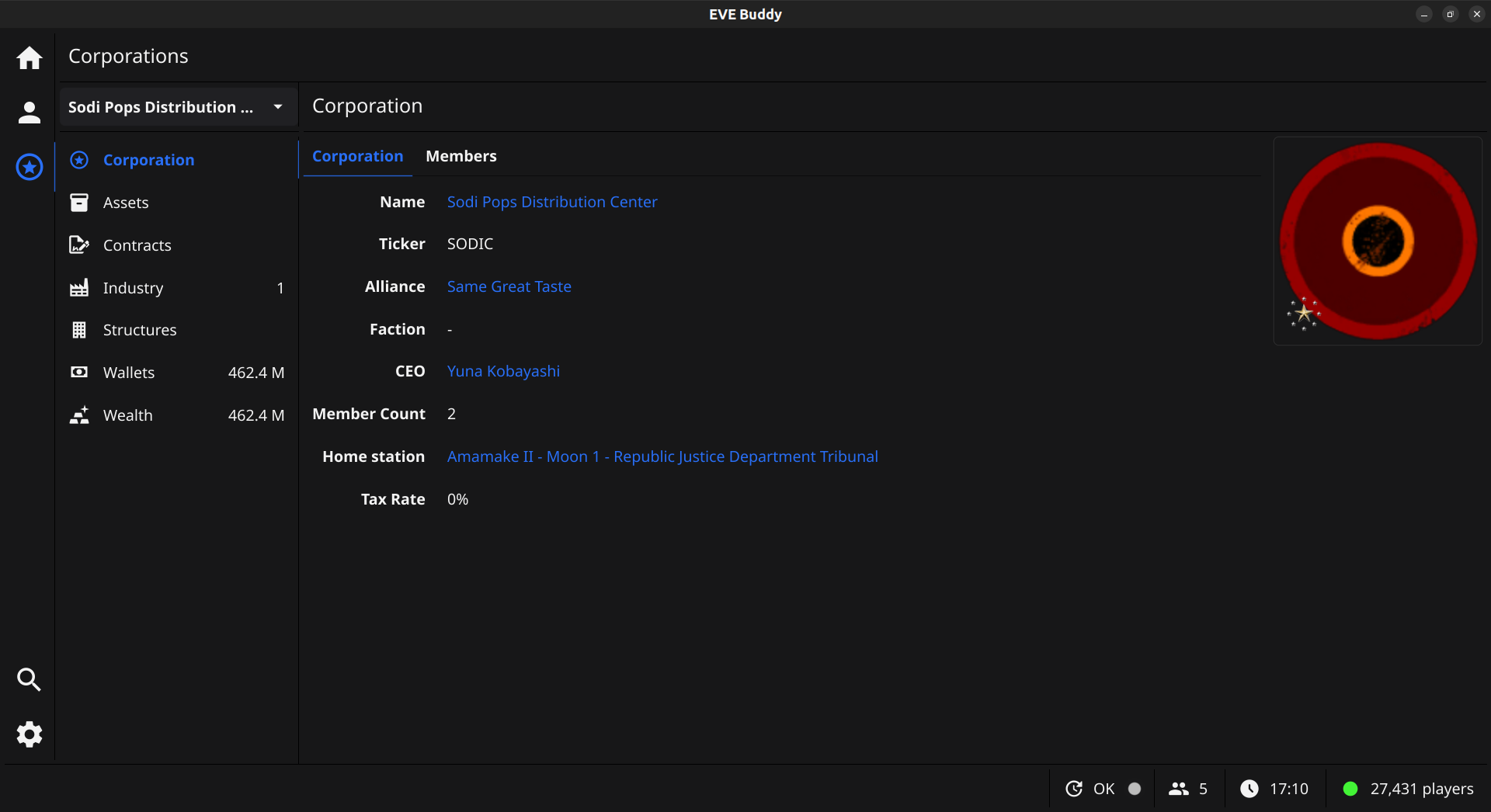
Corporation Sheet
Key facts about the corporation, e.g. alliance, CEO, ticker, member count, tax rate and your roles.
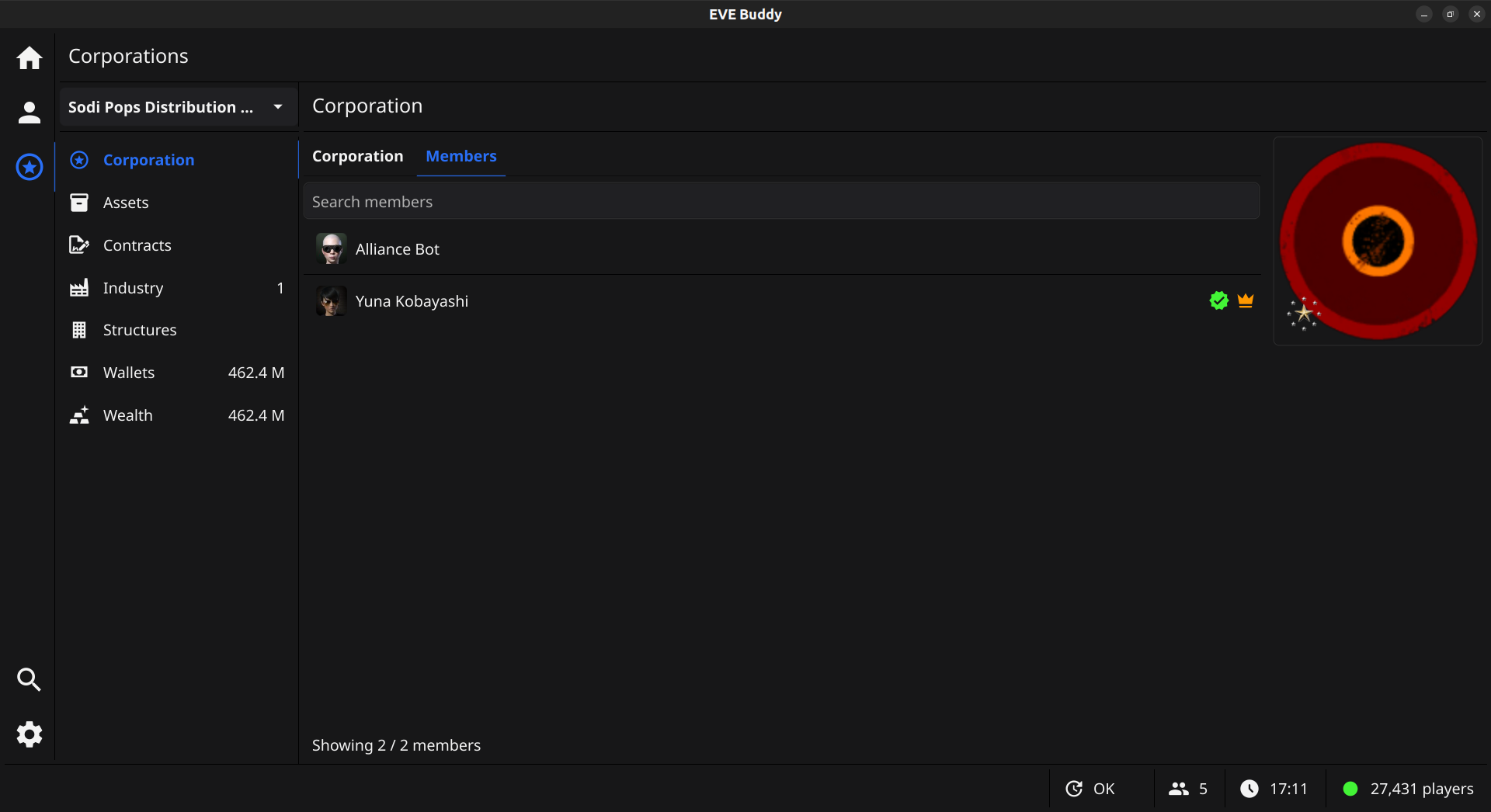
Members
List of current corporation members.
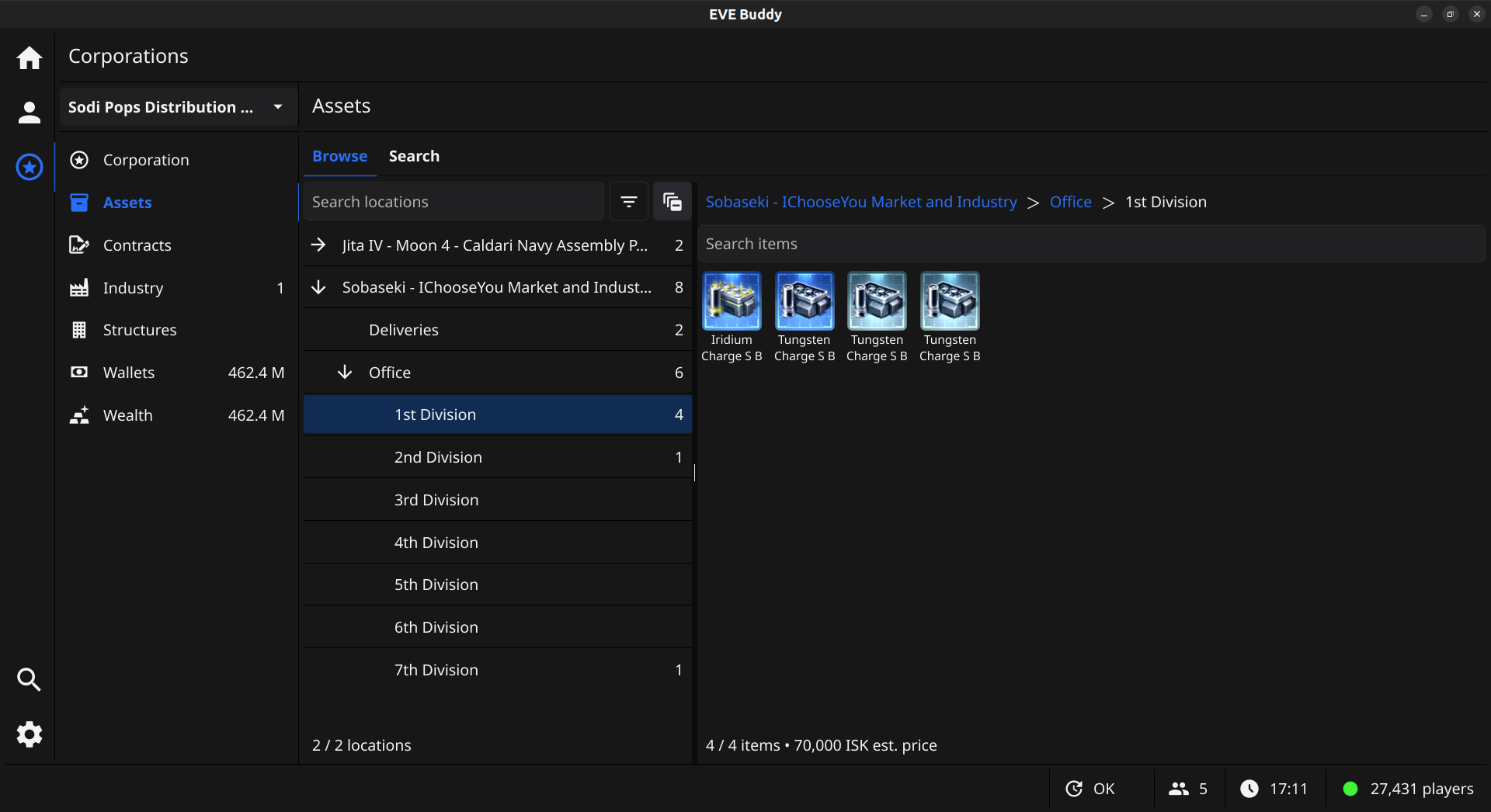
Asset Browser
Browse corporation assets by location.
Asset Search
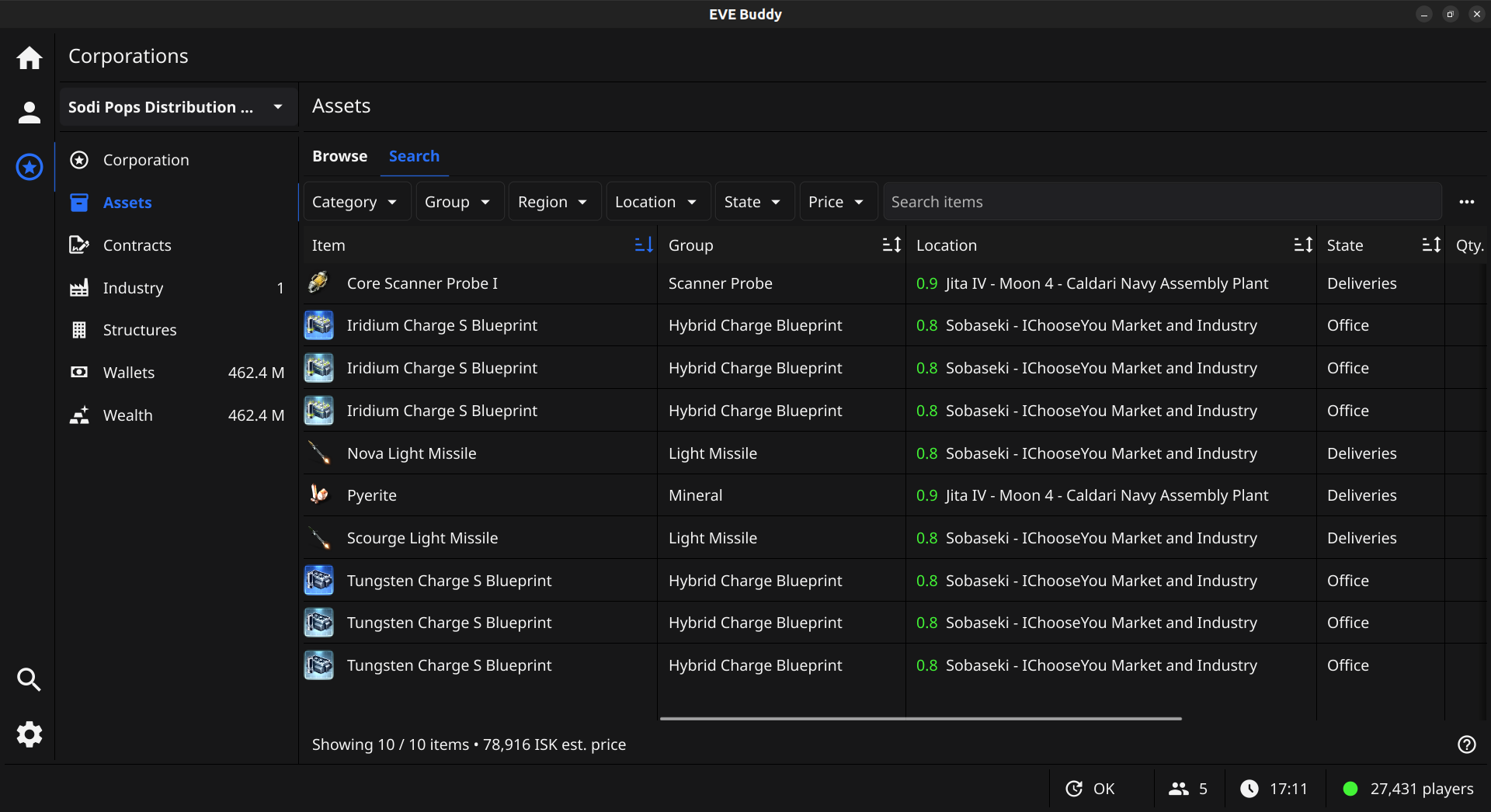
Search the corporation’s assets. See each item’s location, state, quantity, estimated price and volume, together with the total estimated value of the items shown. Assets can be filtered and searched, and exported to clipboard or CSV.
Contracts
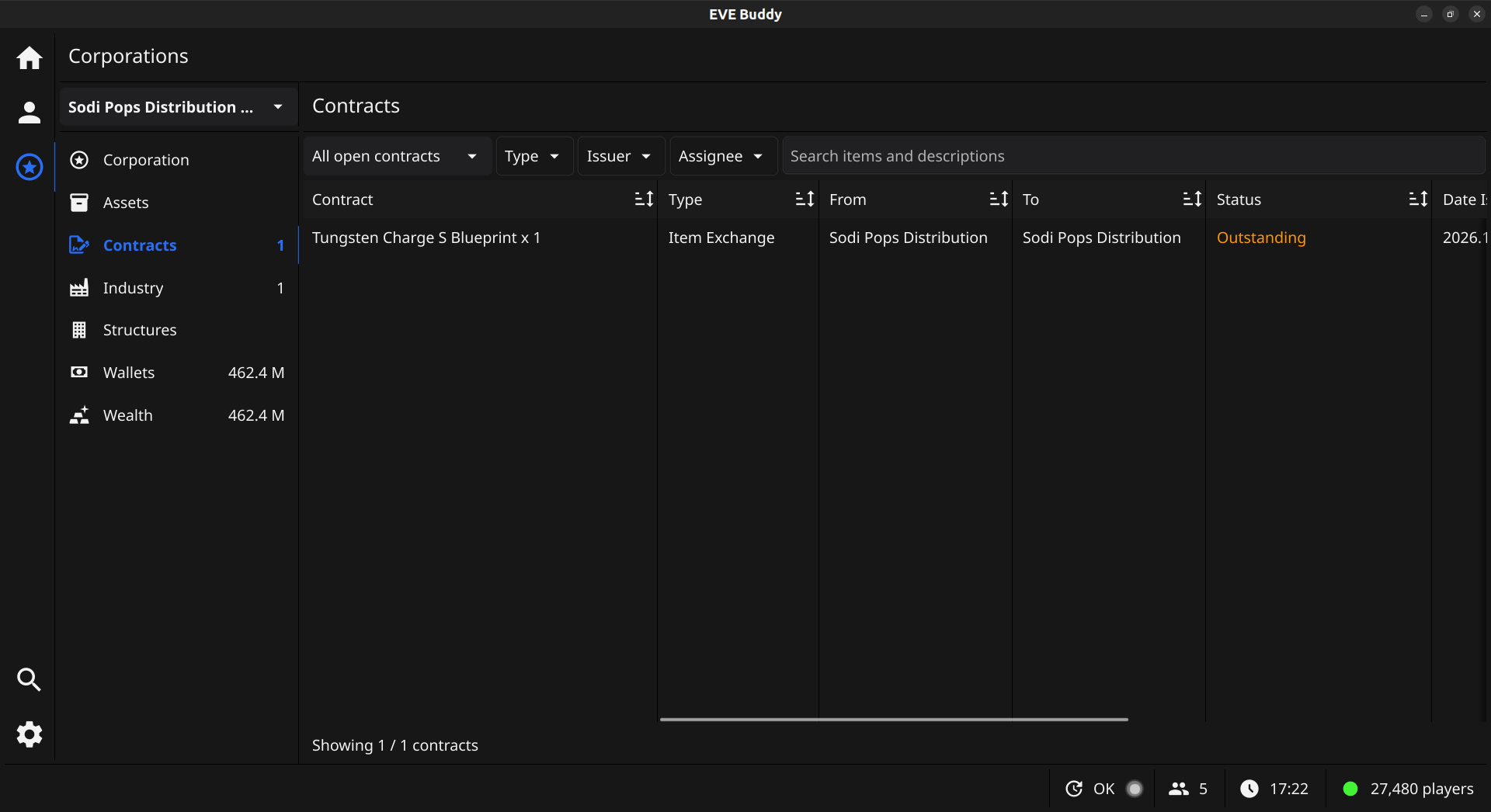
Browse contracts of the corporation.
Industry
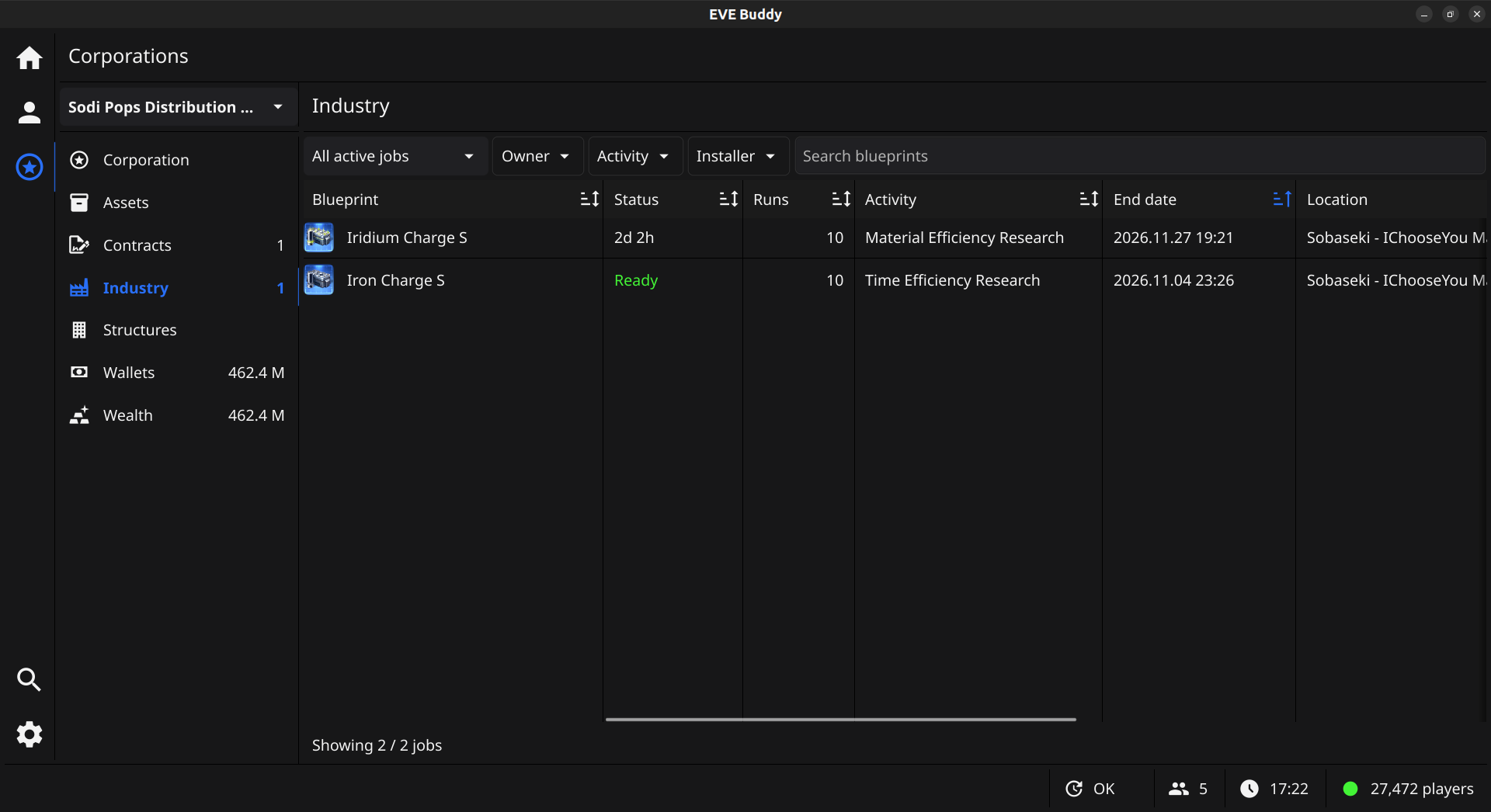
See running and historic indy jobs.
Structures
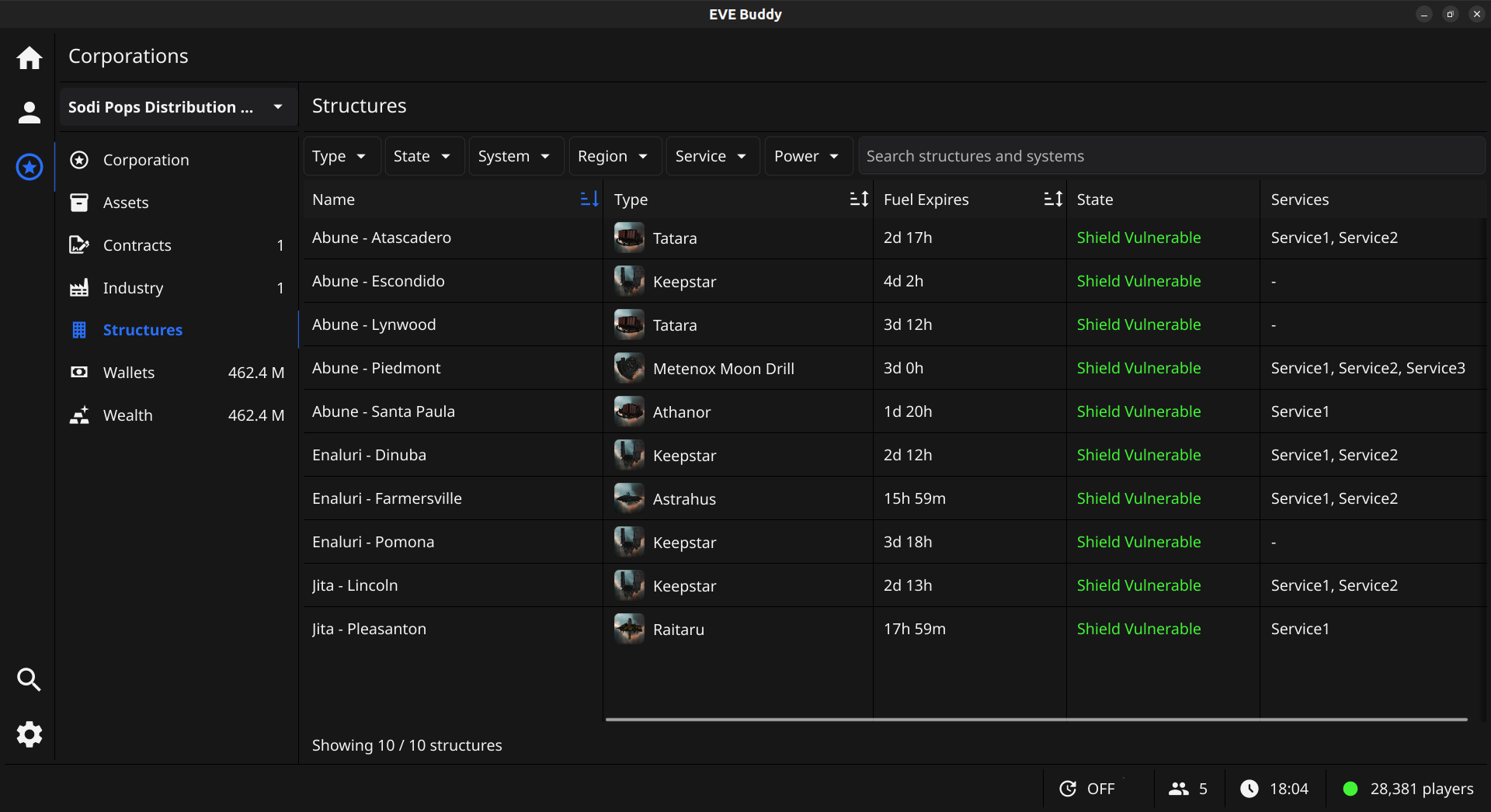
List of all corporation structures with current fuel status, state and potential timers.
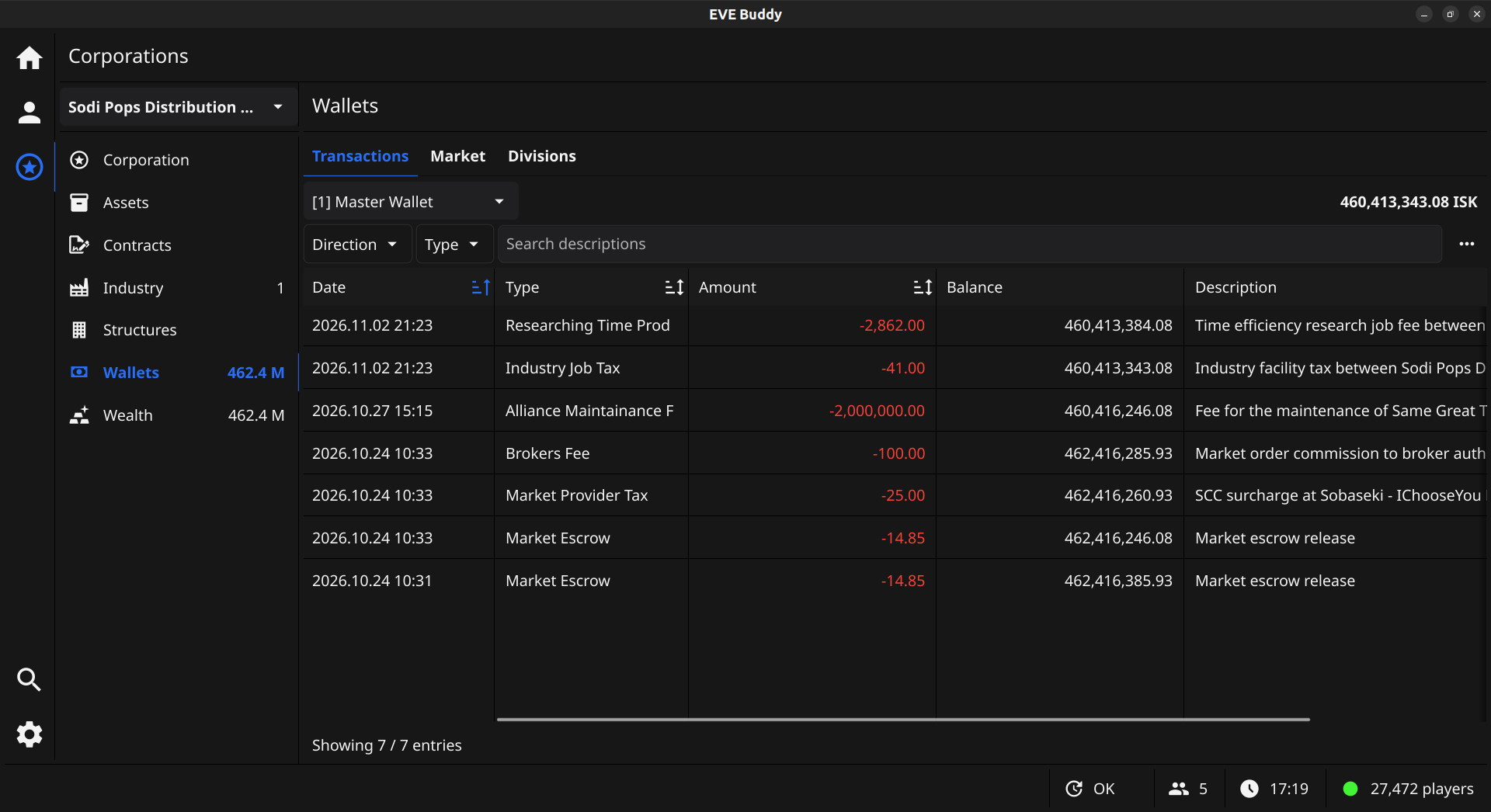
Wallet Transactions
Wallet transactions for corporation wallets, and export wallet transactions to CSV.
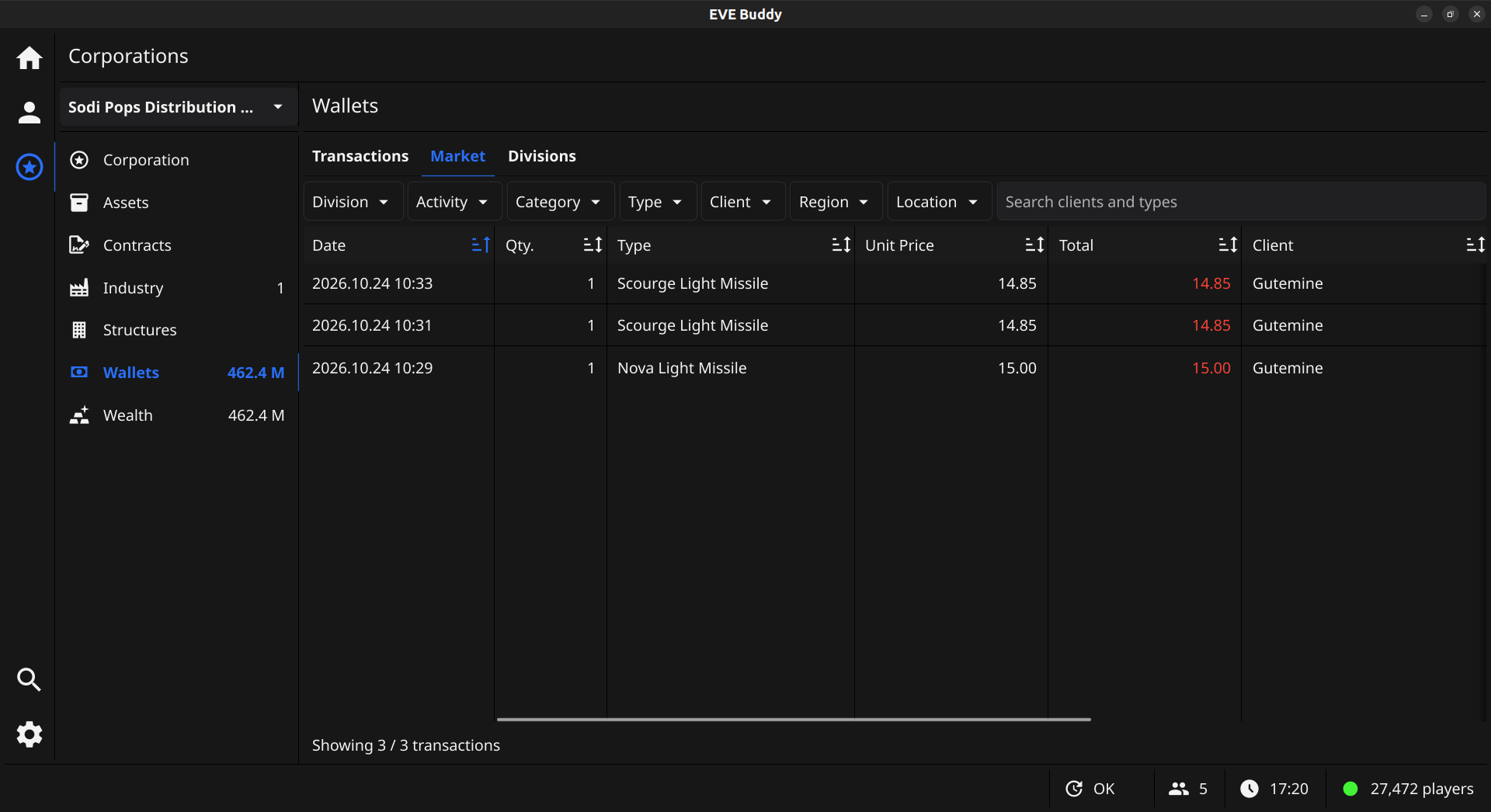
Market Transactions
Market transactions for corporation wallets.
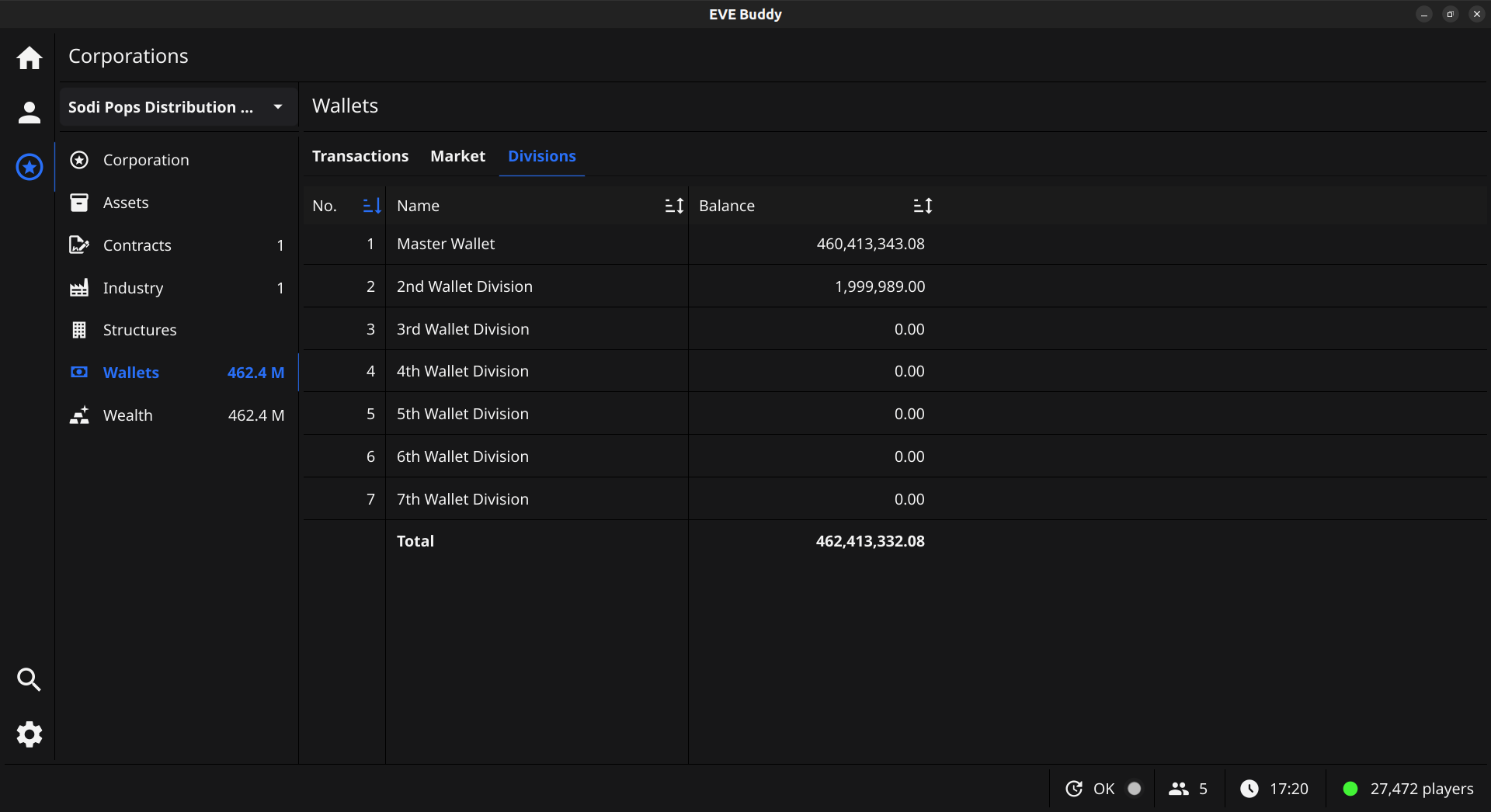
Wallet Divisions
Balances of all corporation wallet divisions.
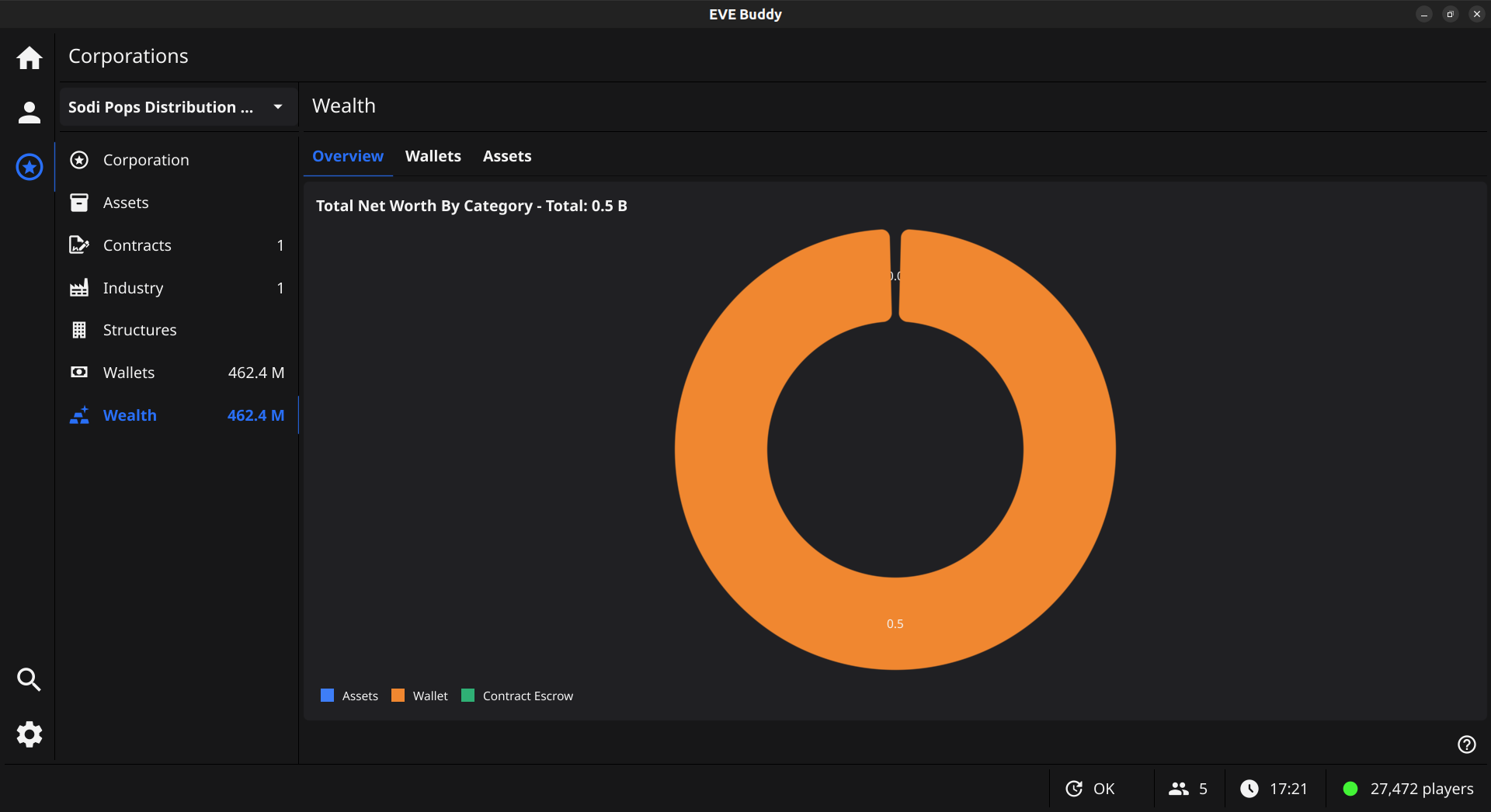
Wealth
See the corporation’s total net worth, made up of all division wallets, the estimated value of its assets (including items in outstanding contracts) and contract escrow. The overview shows net worth by category, and further charts show wallet balance and asset value by division.
Notifications
Get notified on your desktop or mobile about new EVE communications and other important updates:
- Training queue became empty
- Contract status changed
- PI colony stopped working completely, i.e. all its extractors and factories have stopped
- New EVE communication received (e.g. structure attacked)
- New EVE mail received
New Eden search
Search live on the game server, similar to the in-game search bar.
Results are grouped by category and open in an information window.
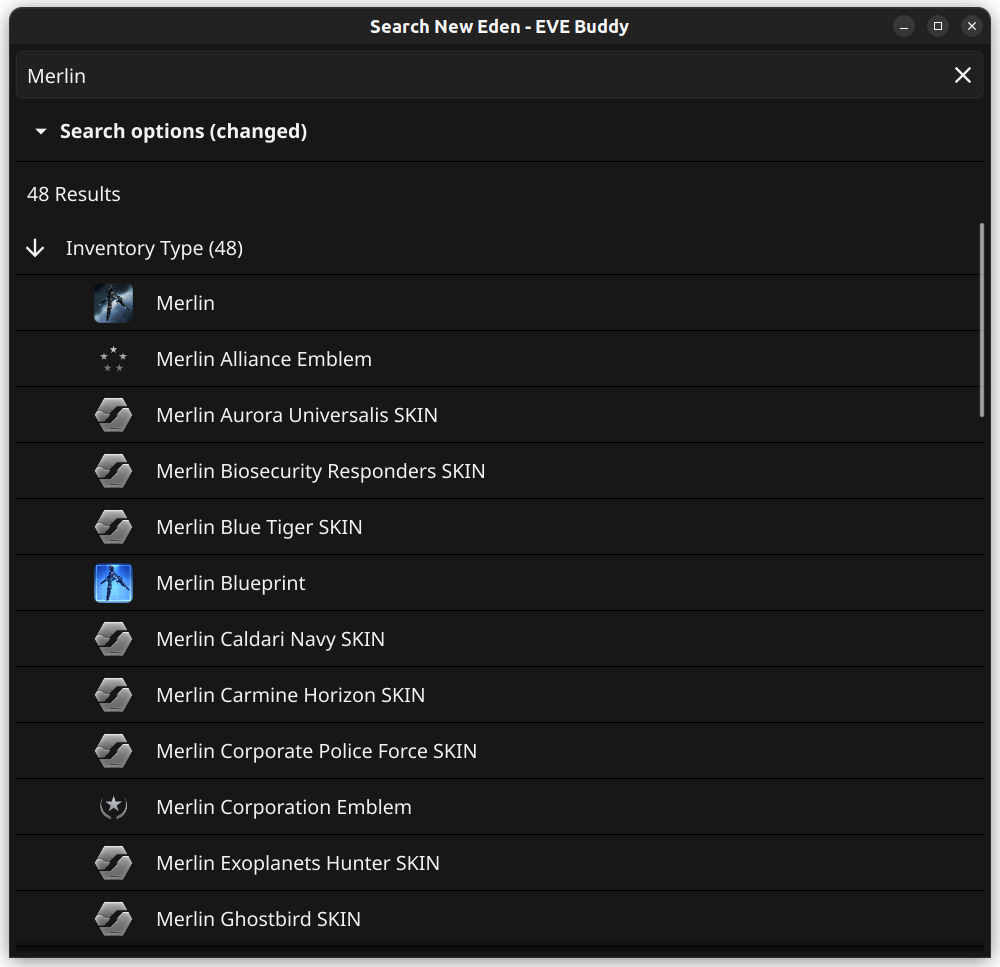
- Search for: Agents, Alliances, Characters, Constellations, Corporations, Factions, Regions, Stations, Systems, Types
- Search options to limit the search to certain categories and to search strictly
- Recent searches, which can be cleared
Information windows
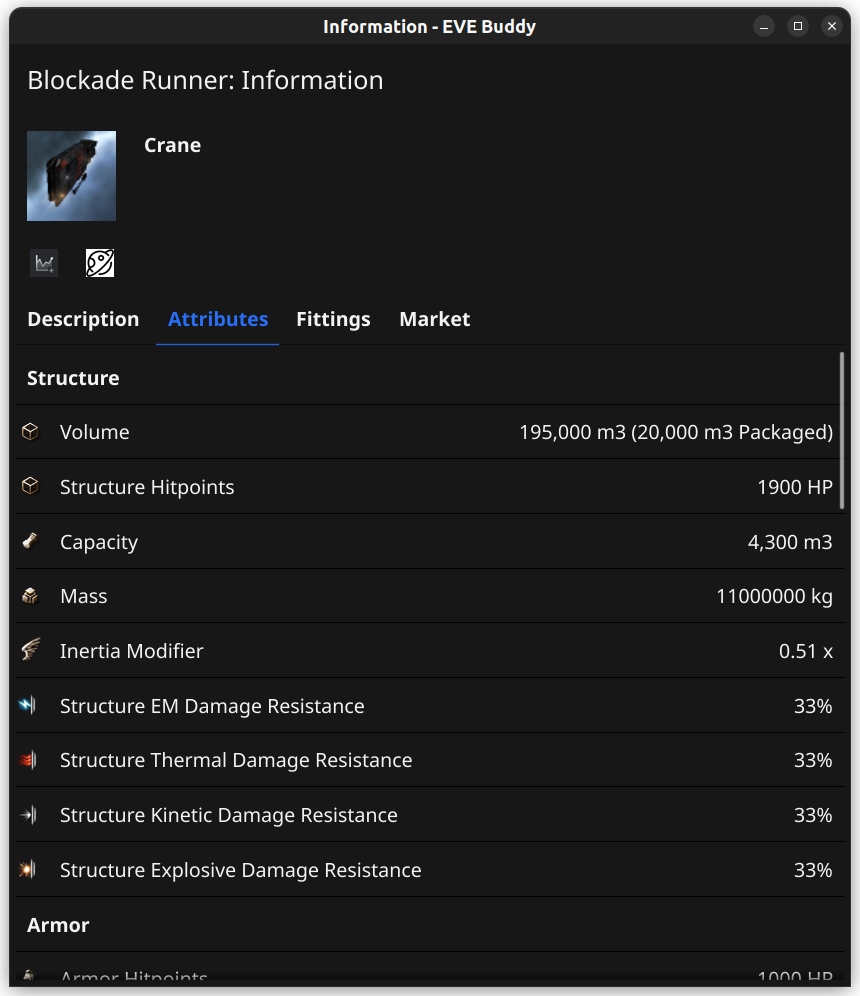
Show additional information for objects on screen, similar to the in-game information windows.
Info windows for types show their description, attributes, fittings, skill requirements and market prices (with Janice pricing).
The following categories are supported:
- Alliances
- Bloodlines
- Characters
- Constellations
- Corporations
- Factions
- Locations (i.e. structure or station)
- Races
- Regions
- Systems
- Types
Run in background
The app can run in the background and continue to notify you while you are doing something else (e.g. play EVE Online):
- Desktop: Can minimize to system tray and show an indicator for new EVE mail
- Mobile: (currently not supported)
Customizable UI
The UI can be customized:
- Color theme: Dark or light theme
- UI scaling: Custom scaling of the whole UI (desktop only)